
The Pyramid Review Game is an example of stretching the tools I have to meet a learning experience design need.
The learning experience design need was a review game to kick off an advanced-level course. The course was designed with the assumption that they already had the basics down, but we wanted to level the playing field, in a way, by making sure everyone was clear on several key concepts.
I’m a big believer in delightful UX design and gamification, as well as a bit of a Storyline nerd. I needed a game that got a little bit harder, but I didn’t want to go straight to the Jeopardy! format because the smarter learners will go straight to the high-value questions. When I started mapping out the questions, considering that I wanted the difficulty to ramp up slowly, and I wanted teams to have to unlock more difficult questions, the game to emulate was obvious: The $100,000 pyramid.
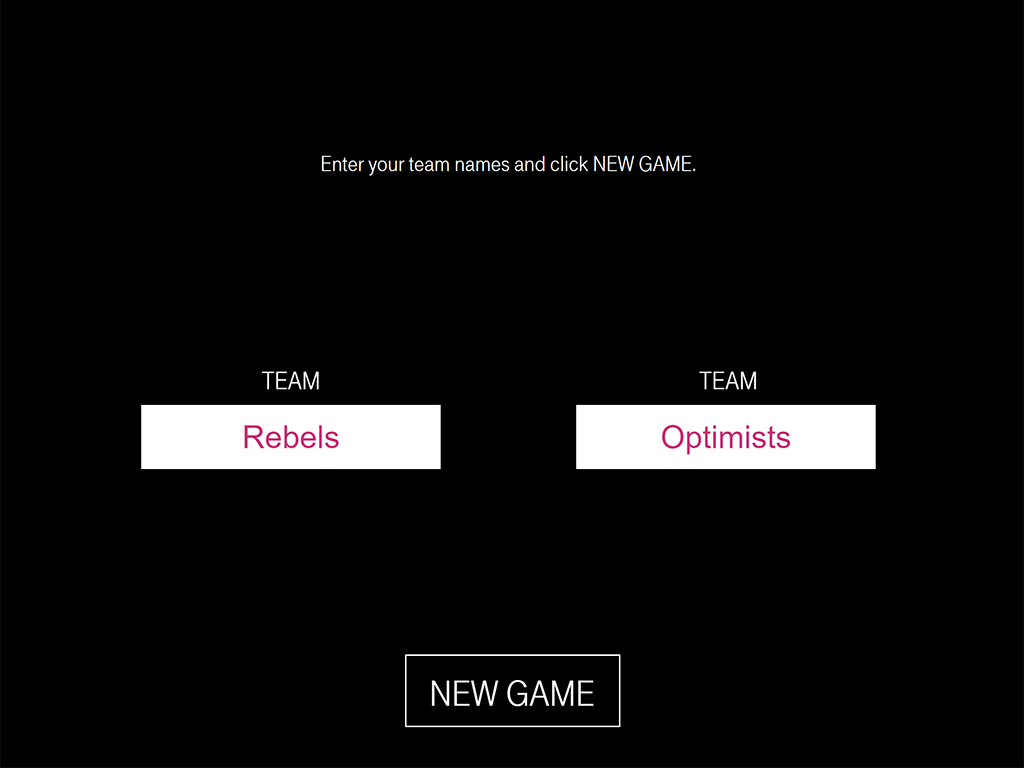
We all love choosing our own team names, but sometimes it takes forever and the trainer doesn’t have time for that, so the default values I created were Rebels and Optimists, based on our design language motto at the time “Rebellious Optimism.”
Since I was basing it on an old game show, I wanted some cheesy marquee lights and music.
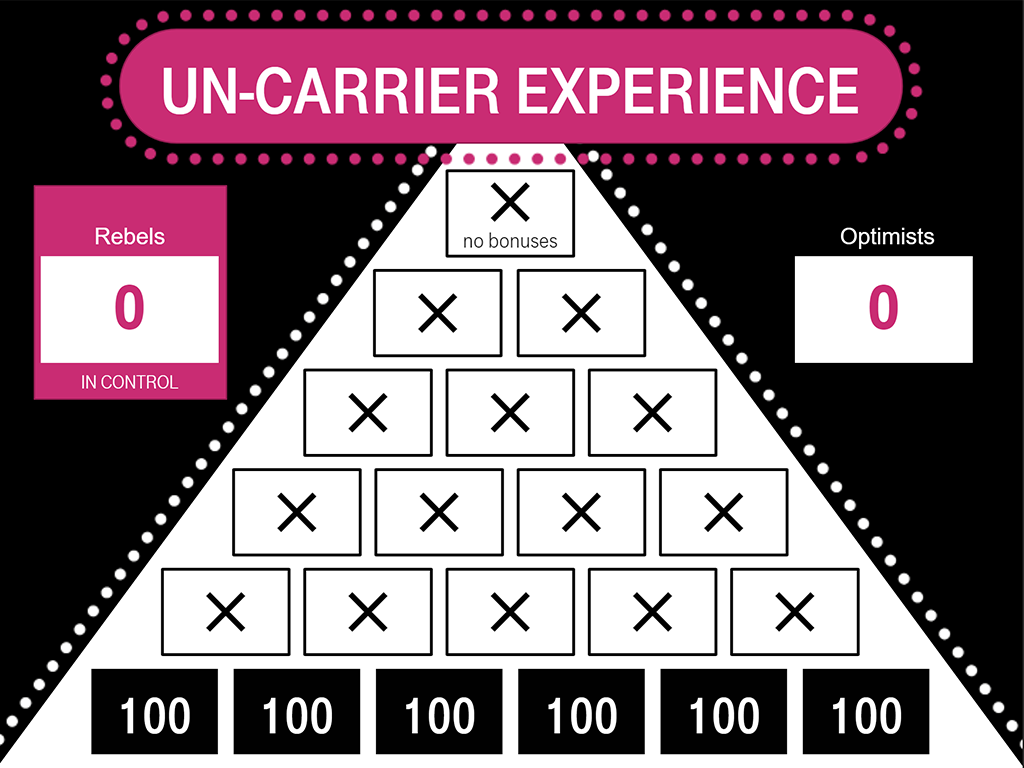
The title disappears and the tiles and scorecards animate onto the pyramid. (Yes, it’s a two-dimensional triangle. I know geometry, but they didn’t call it “The $100,000 Triangle” did they?)
A few things to point out: for both the triggers in Storyline, and for the facilitator and players, I needed to know which team’s turn it was. So you can see here, I used a magenta box to highlight which team was in control. When one team takes a turn and control changes, the box animates over to the other team, which I thought was a nice touch.
I mentioned how you have to unlock upper level questions by answering lower level. For safety and redundancy, I made it so the facilitator could right-click a question to mark it as ‘answered’ which would unlock above questions. Like bricks, each upper level question has to have two questions immediately below it for it to unlock.
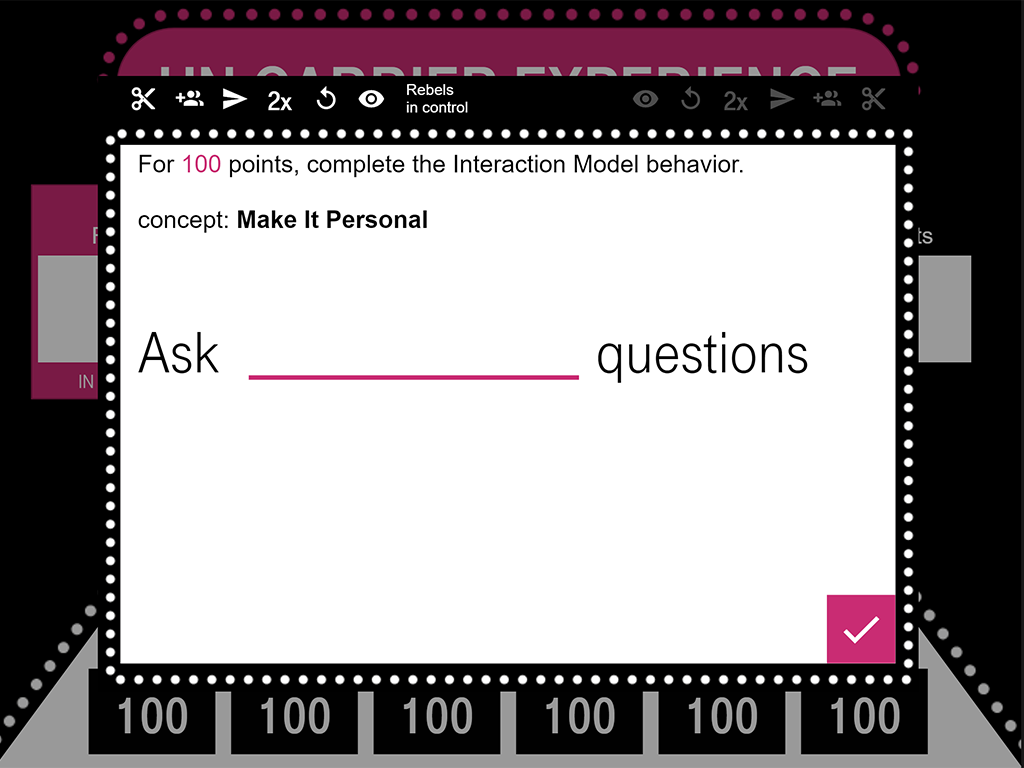
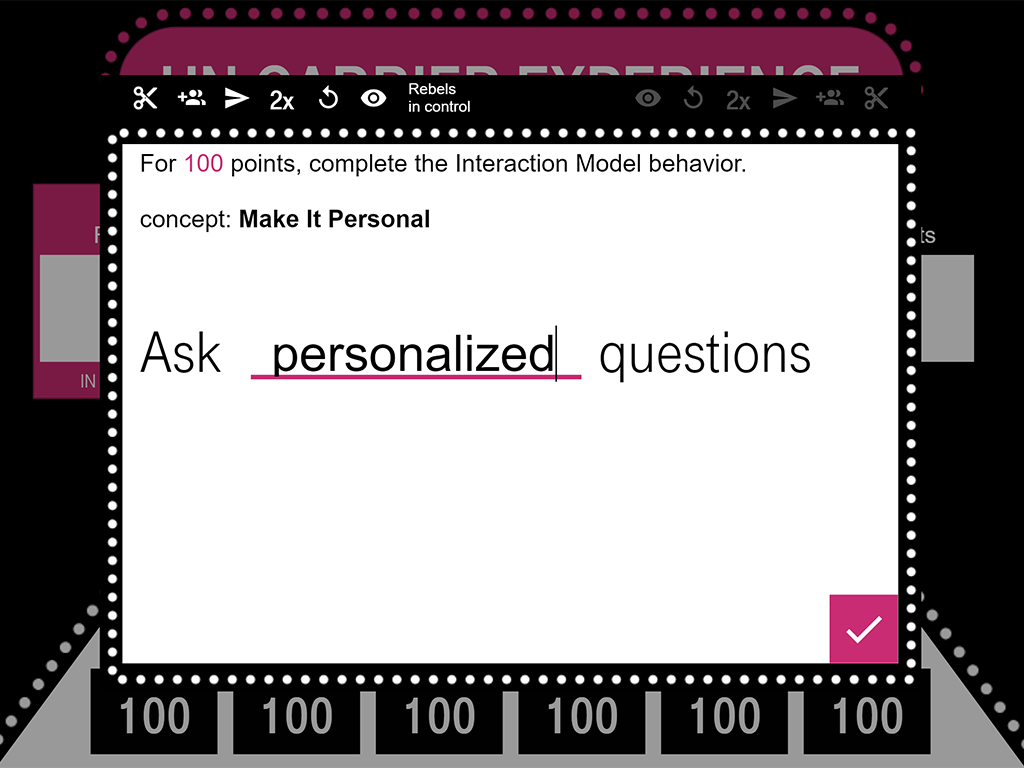
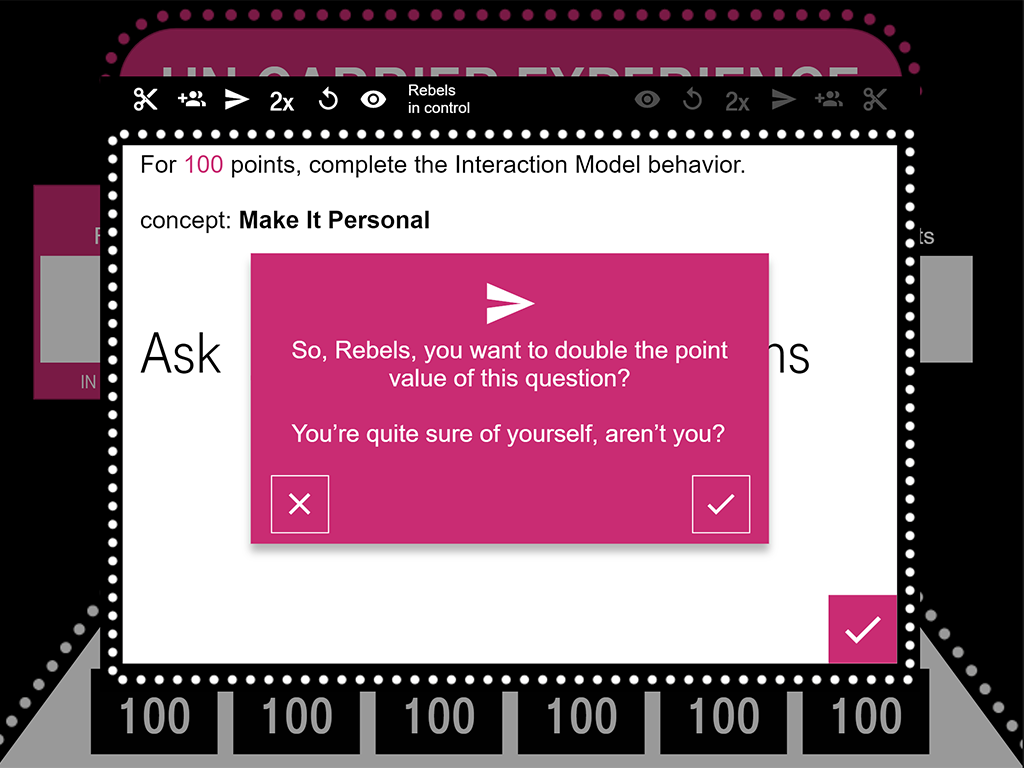
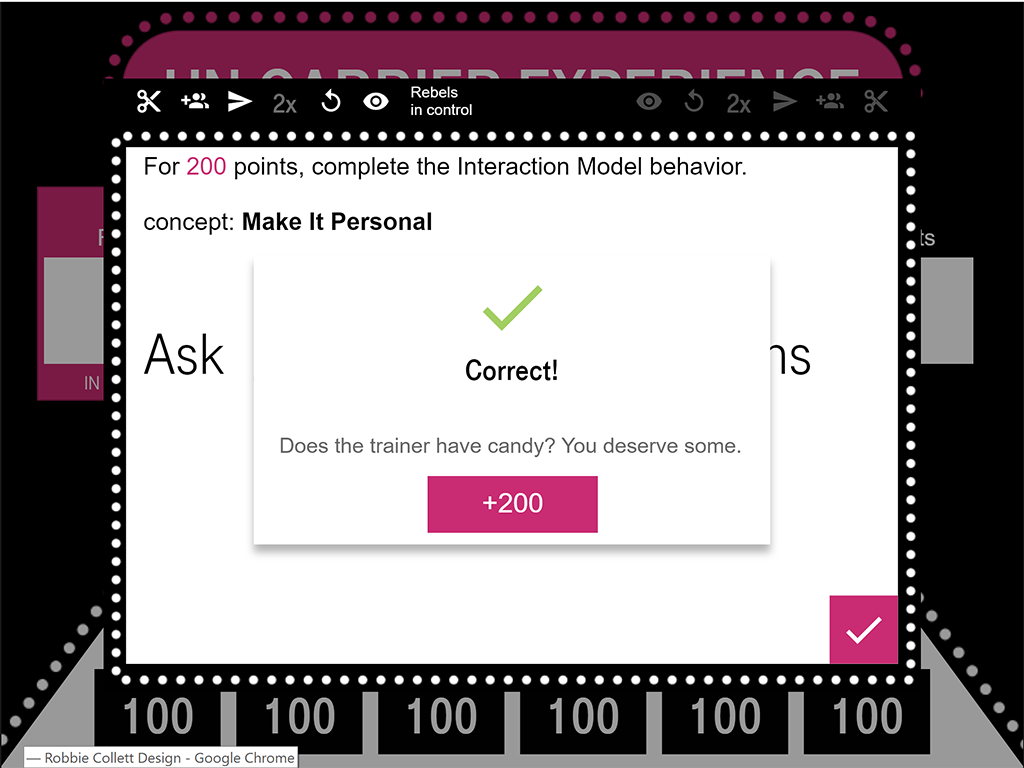
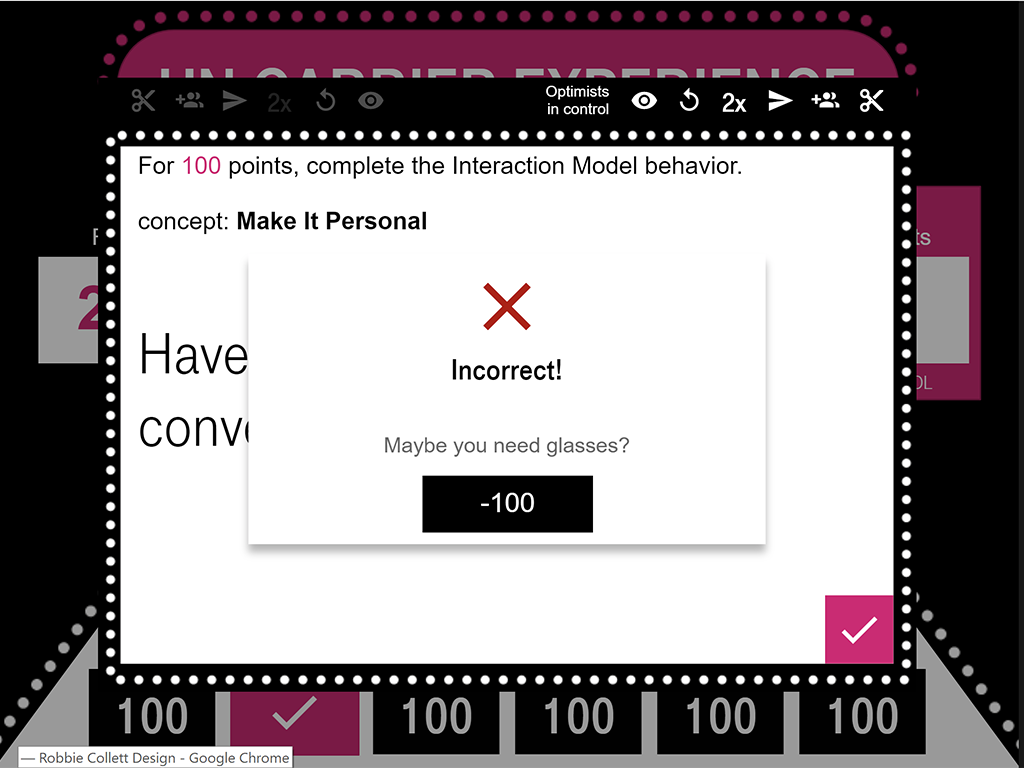
Whichever team is in control gets to choose which question to answer next. When you’re face-to-face, the player is supposed to go to the front of the classroom and pick a question, then answer it on the facilitator’s keyboard. In a virtual setting, the player can just type in chat what they want entered into the game as their answer.
Each team has a set of bonuses that enable them to double their points, halve their points (if they’re unsure), send the question to the other team, give themselves two tries, or ‘peek’ at the question, meaning they can not answer it and pick a different one.
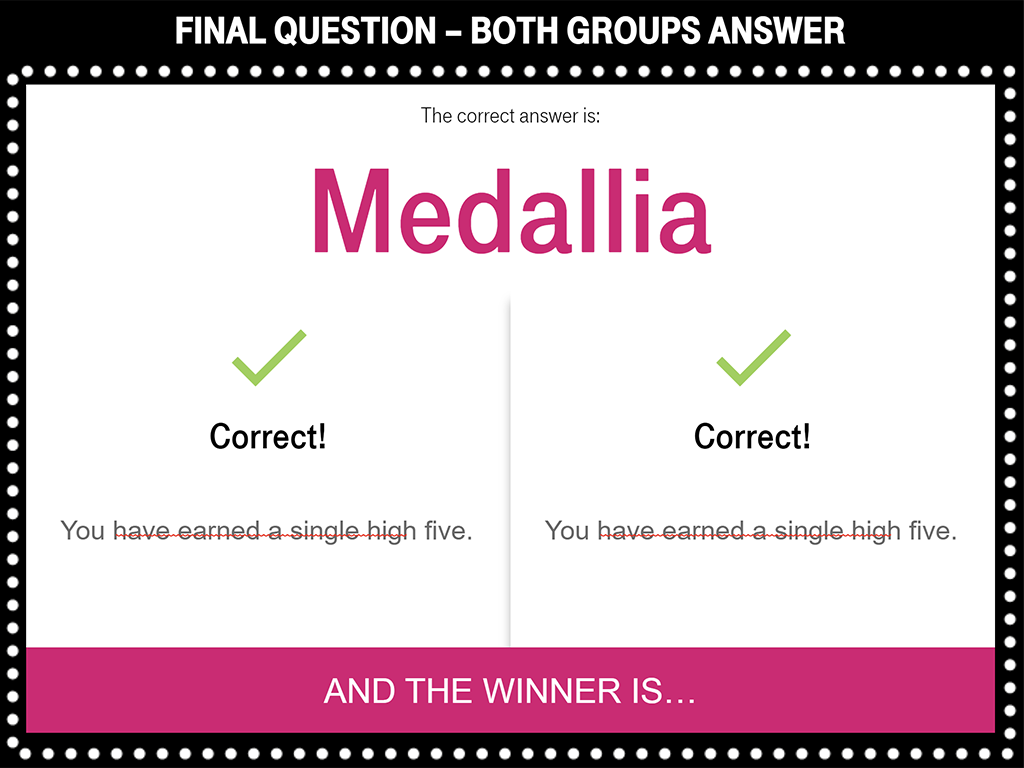
Here’s another one of my favorite tricks to use in Storyline: randomly-generated feedback. Instead of a simple “Good Job!” I wanted to use a wide variety of phrases to let the learners know whether they got the question right or wrong. I also didn’t want it to be predictable, so I set up a random number generator to select which feedback they saw each time.
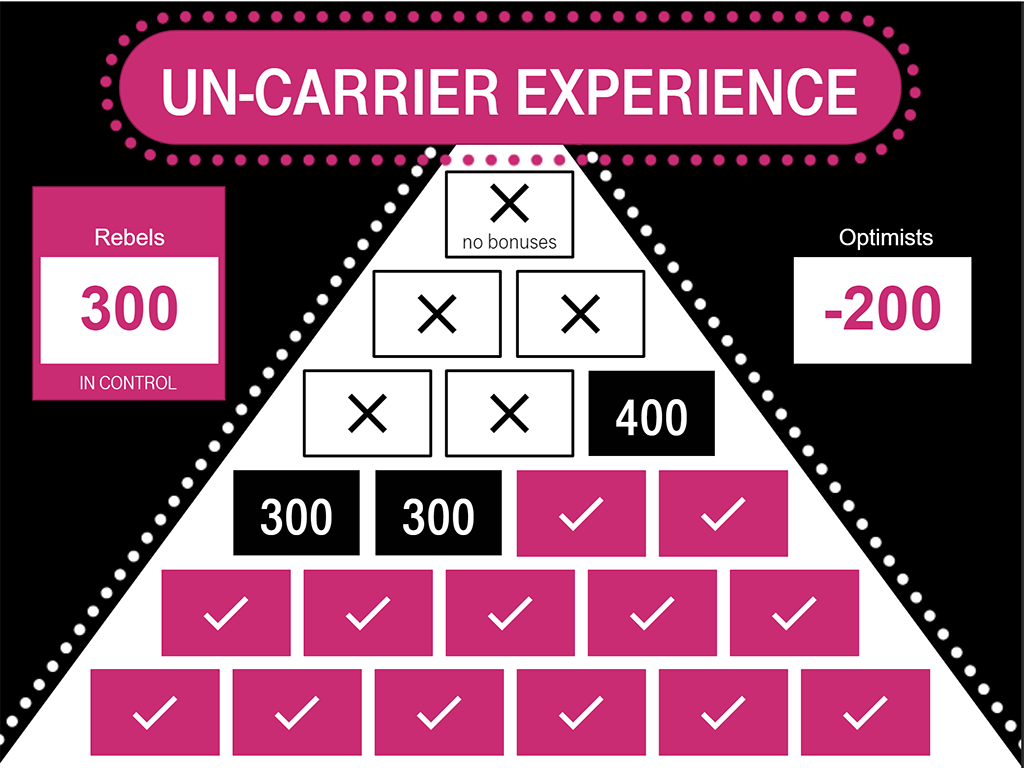
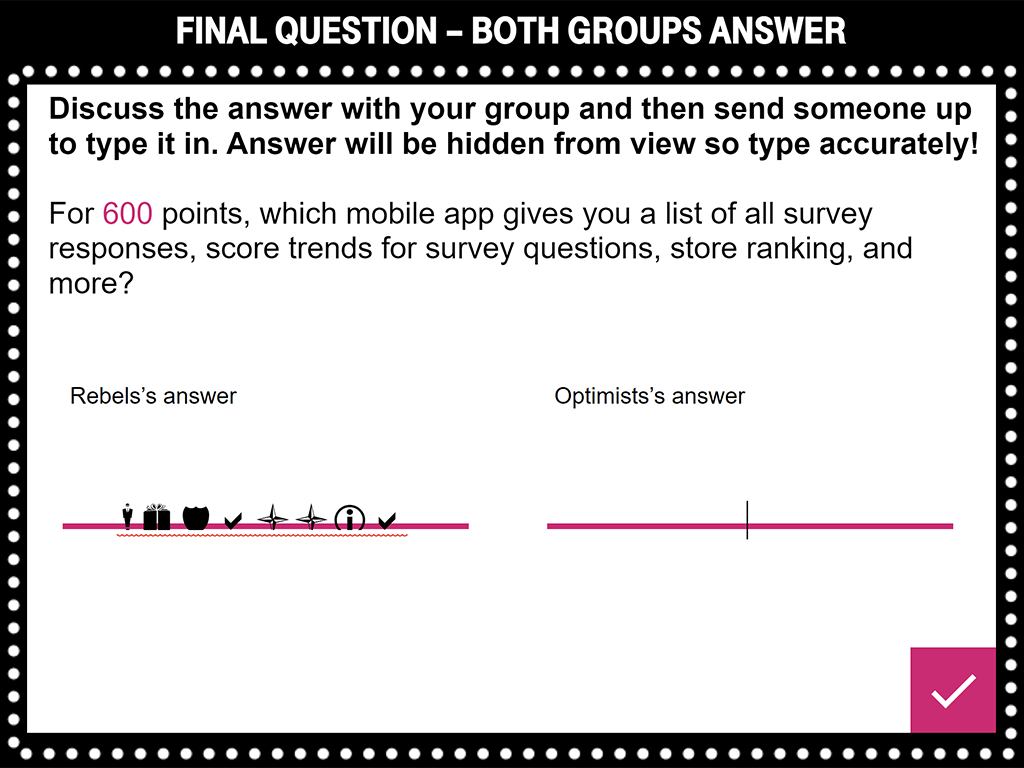
Once you answer all of the questions in the pyramid, or when the facilitator skips ahead by right-clicking them, you get the final question, which, as indicated, does not allow bonuses.
The final question is answered by both teams, and to maintain secrecy, I made the input font Wingdings. You get one final bit of feedback before finding out the winner.
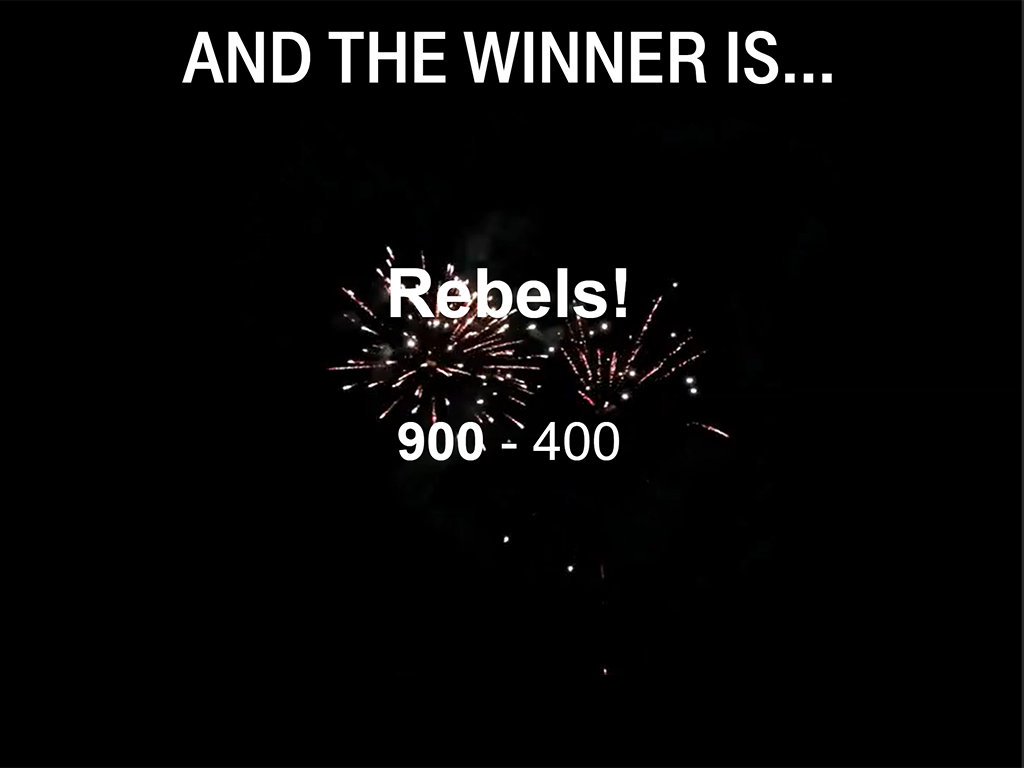
Ta-da!
For the winner screen there’s a drumroll and a cartoony ‘ta-da’ horn sound, timed to the reveal of the winning team’s name, with a fireworks video in the background.
When I finished, tested, de-bugged, and re-finished this game, I simply published to Articulate Review, turned off comments, and put a link in the facilitator guide for the course. The facilitator pulls it up in a browser window and runs the game either on a projector or through screen-sharing on a call.