
The Community Outreach e-learning project exemplifies my creative consulting abilities.
A few years ago, a new coworker of mine reached out to ask for some help jazzing up a project he was working on.
The project was about how local retail leaders could reach out to their communities to offer support while also drumming up some more business. It was a pretty straightforward elearning. Title slide, agenda & overview, content, knowledge check, and final slide. There wasn’t anything wrong with it, necessarily, but it just needed some TLC in the creativity department.
At the time I was watching a lot of Bob’s Burgers, so when I heard the word ‘community’ and saw the content, I couldn’t get the title sequence out of my head.
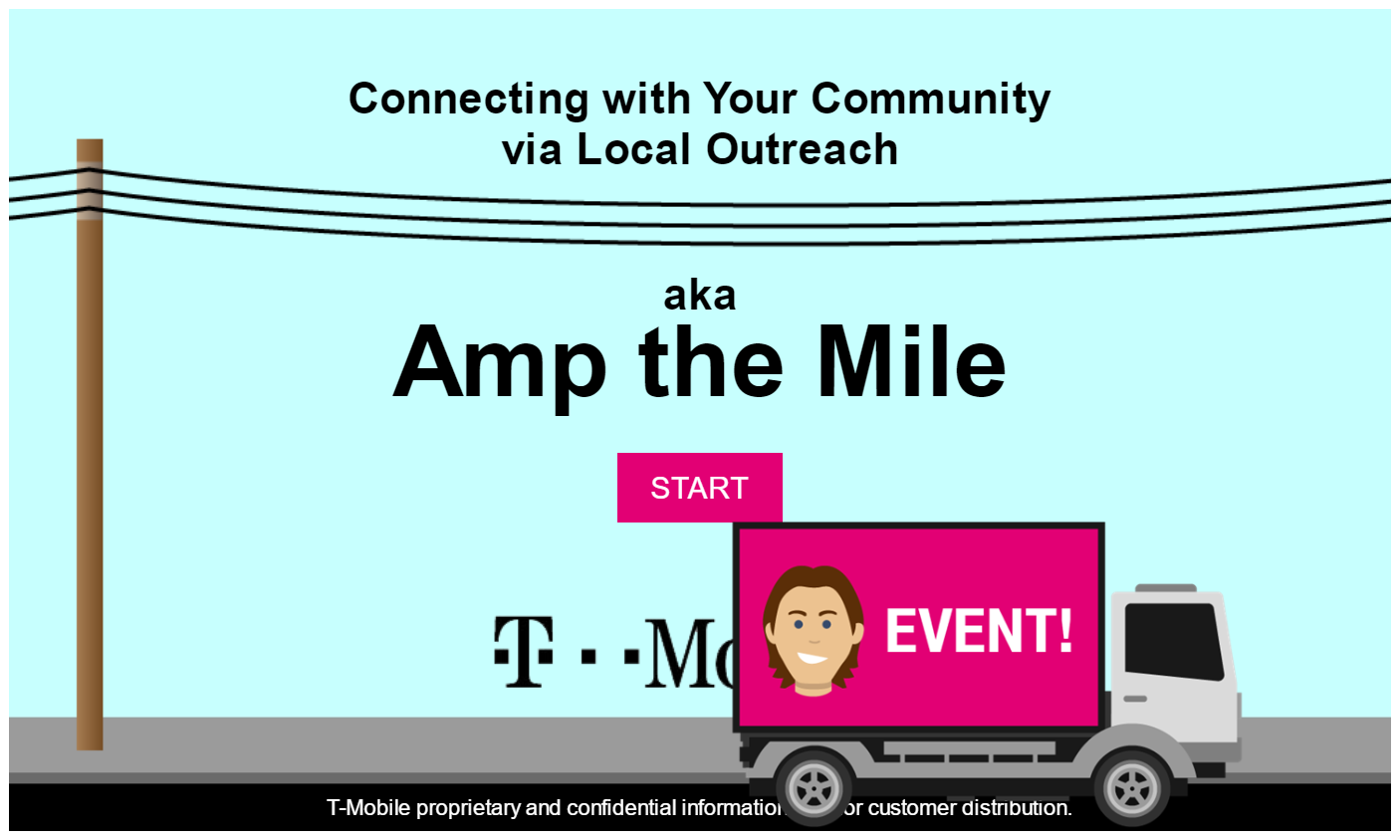
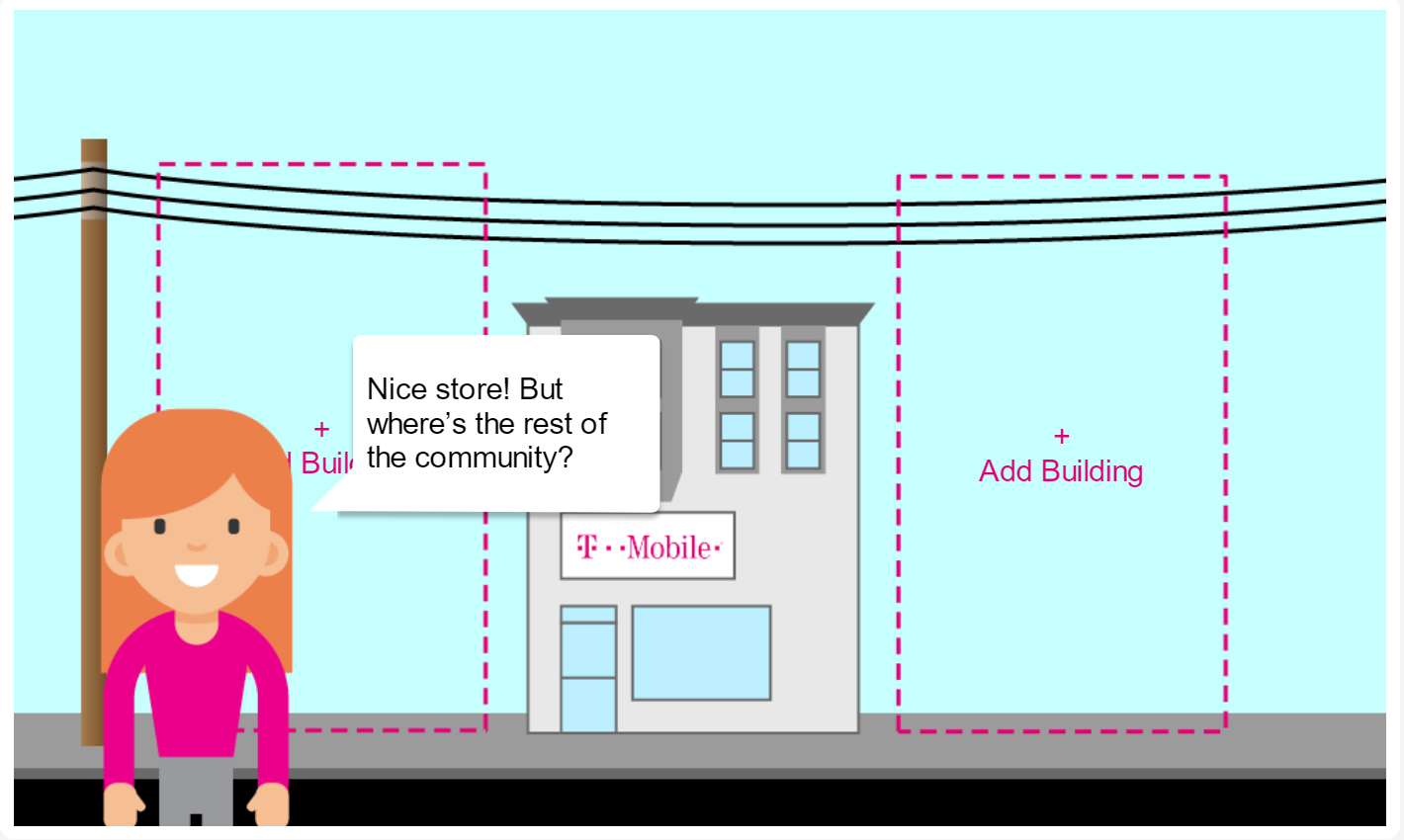
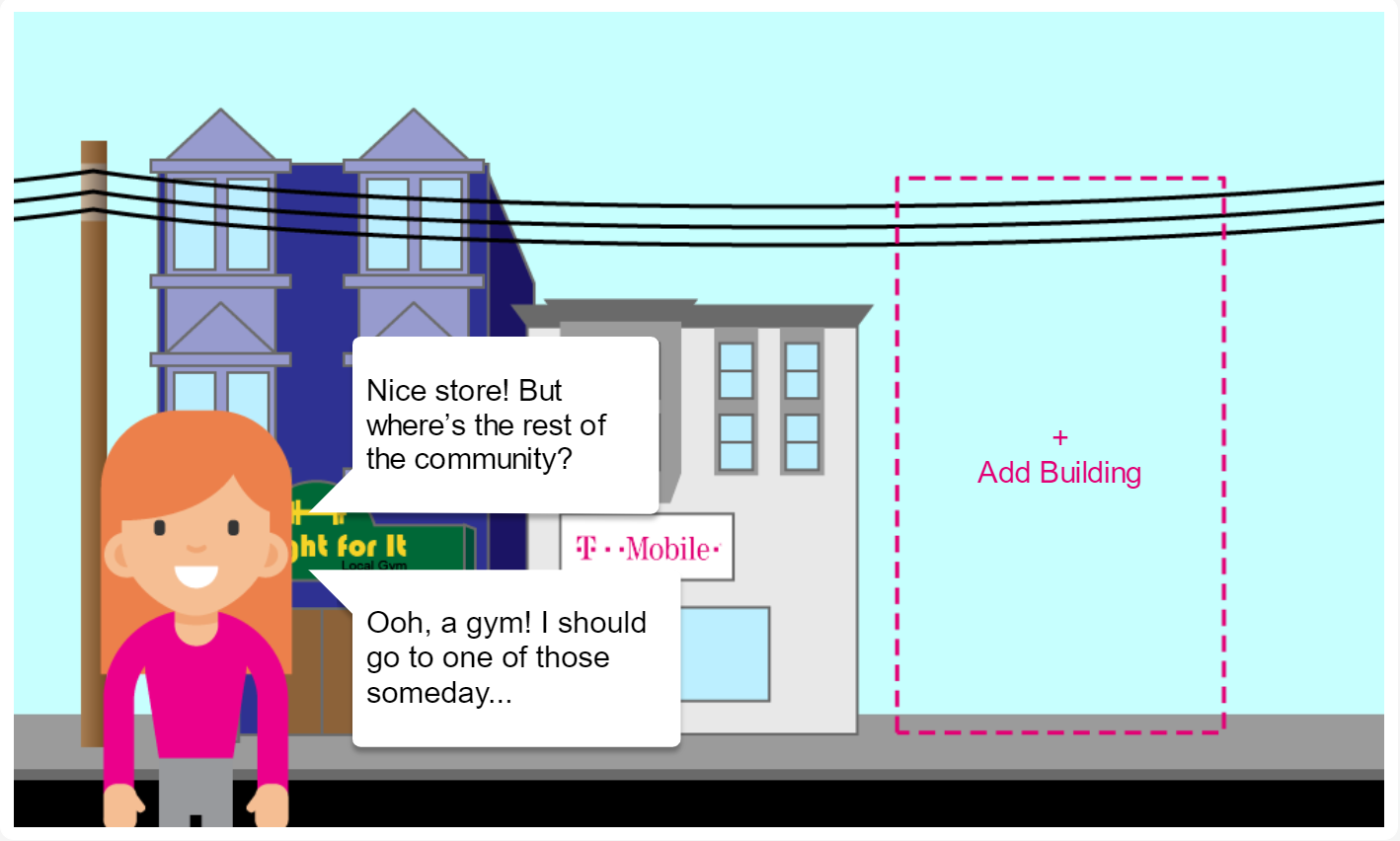
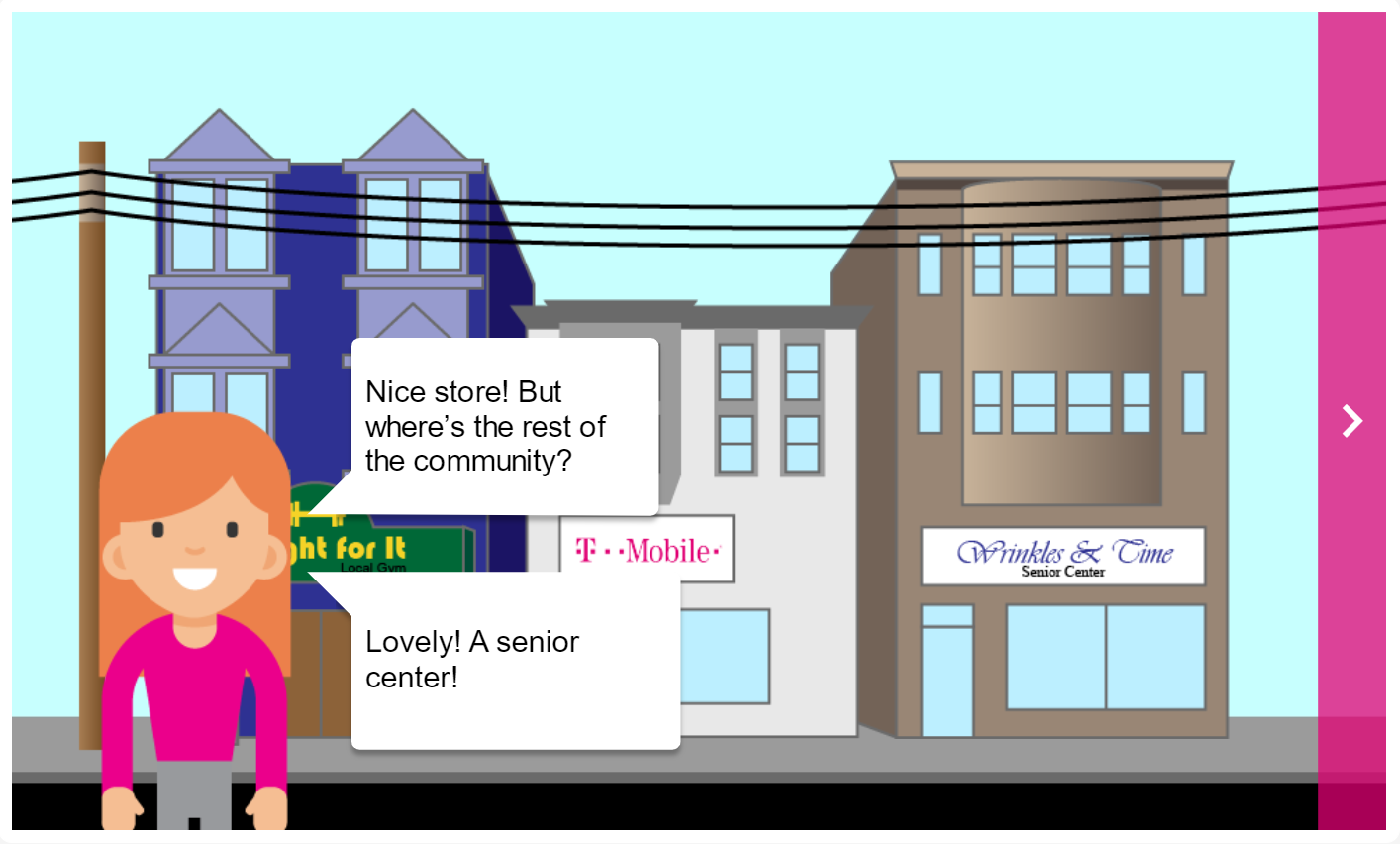
(Also, as a little Easter Egg, if you don’t click START right away, an ad truck drives by.)
Within the e-learning there are a few success stories about stores that reached out to the community, so I used those stories to make up clever names for the neighboring buildings. As you progress through the e-learning, you read about those success stories.
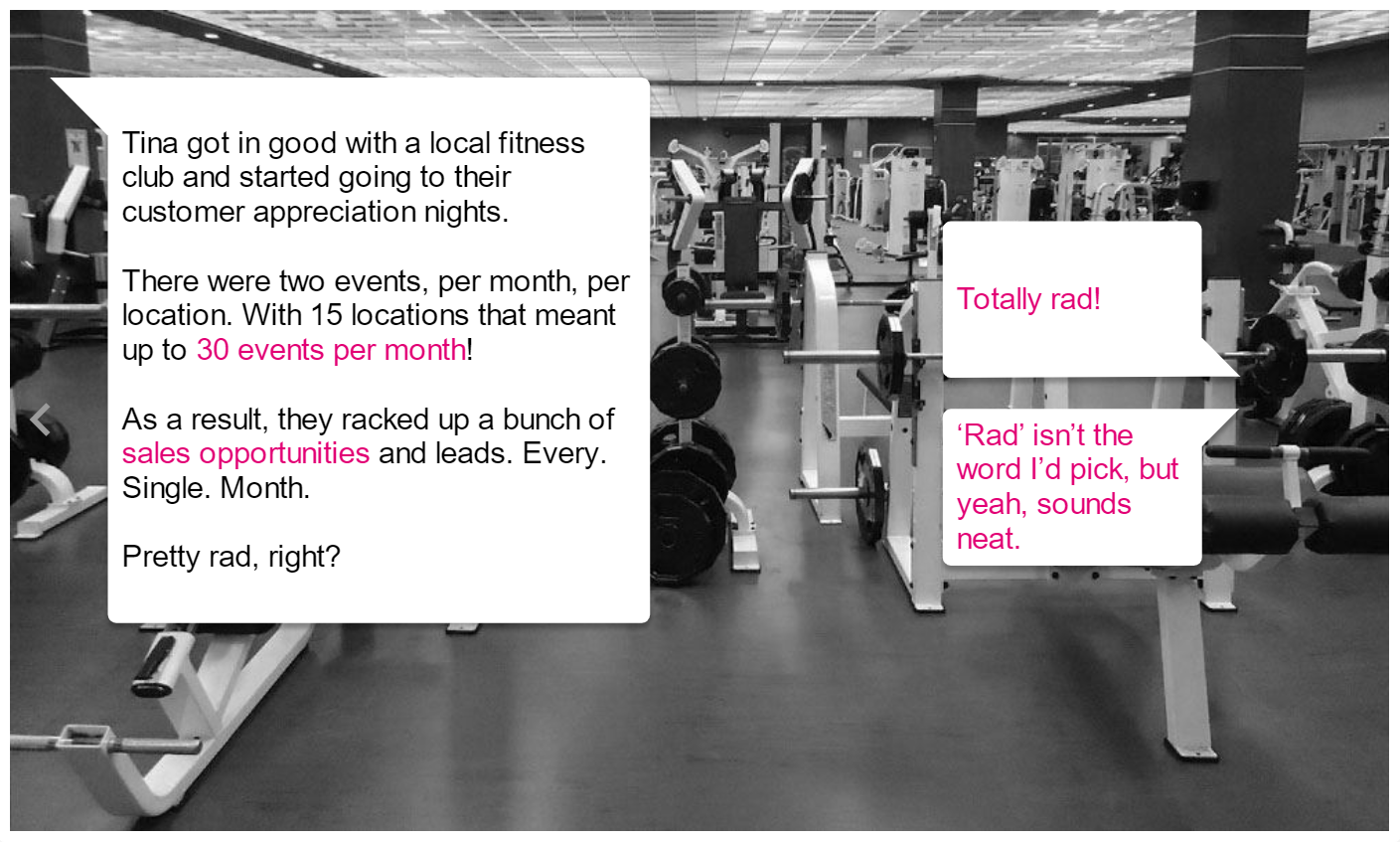
These success stories already existed in the elearning, but I worked on the styling of the slides, and decided to make it conversational, meaning instead of just clicking ‘NEXT,’ you chose how you’d respond.
I’m going to nerd-out a bit about that, because it’s one of my go-to e-learning tricks. I read some research that showed that learners are more engaged if they’re given choices, even if they know that those choices have no impact on the course. It’s such a simple thing to do for a fun impact, not to mention the ability to throw in some delight with Easter Eggs and altered responses.
After you read about these success stories, you explore a map to see community outreach opportunities.
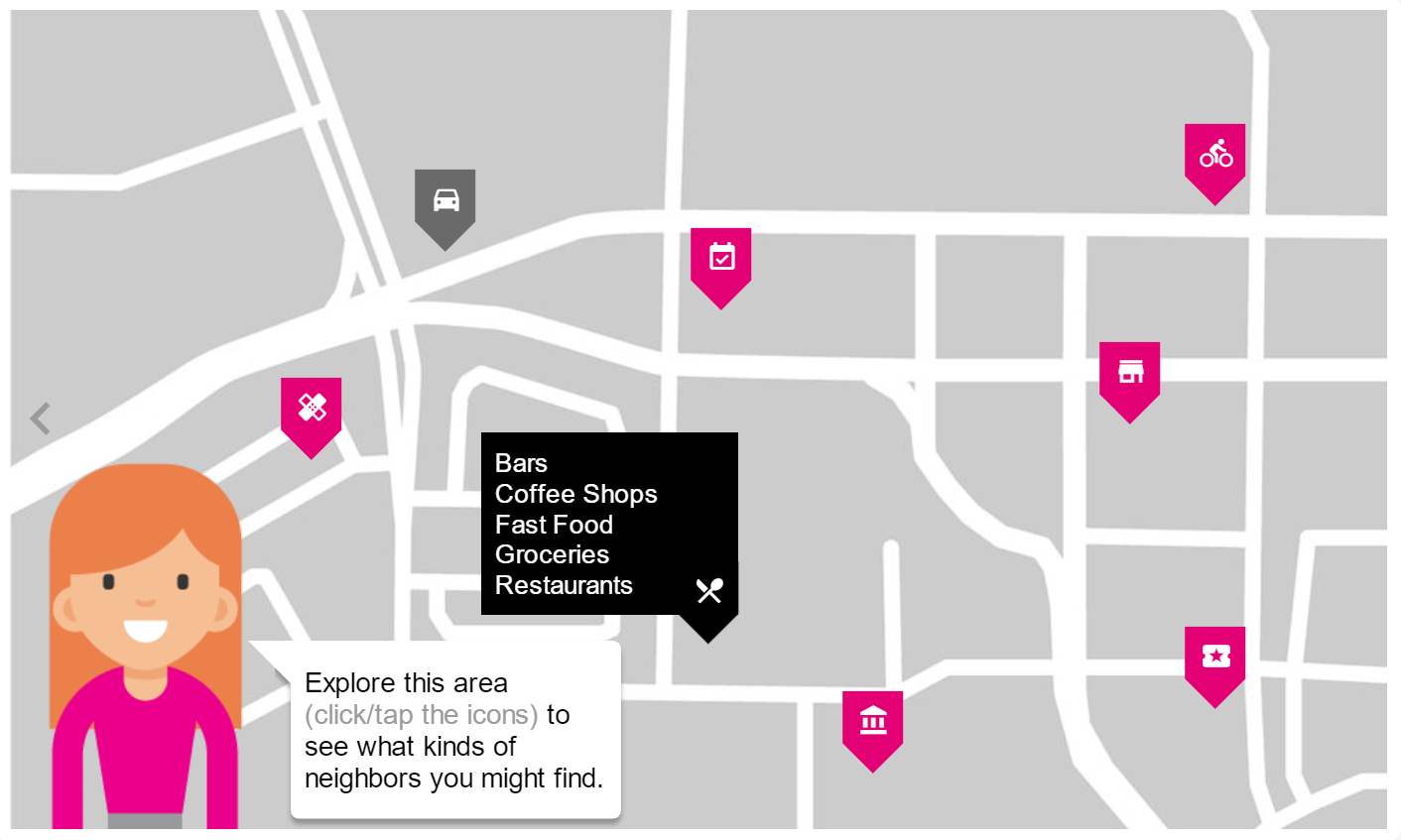
I quickly built the minimalistic map in Illustrator, then dropped the character and some buttons to interact with to see what they were.
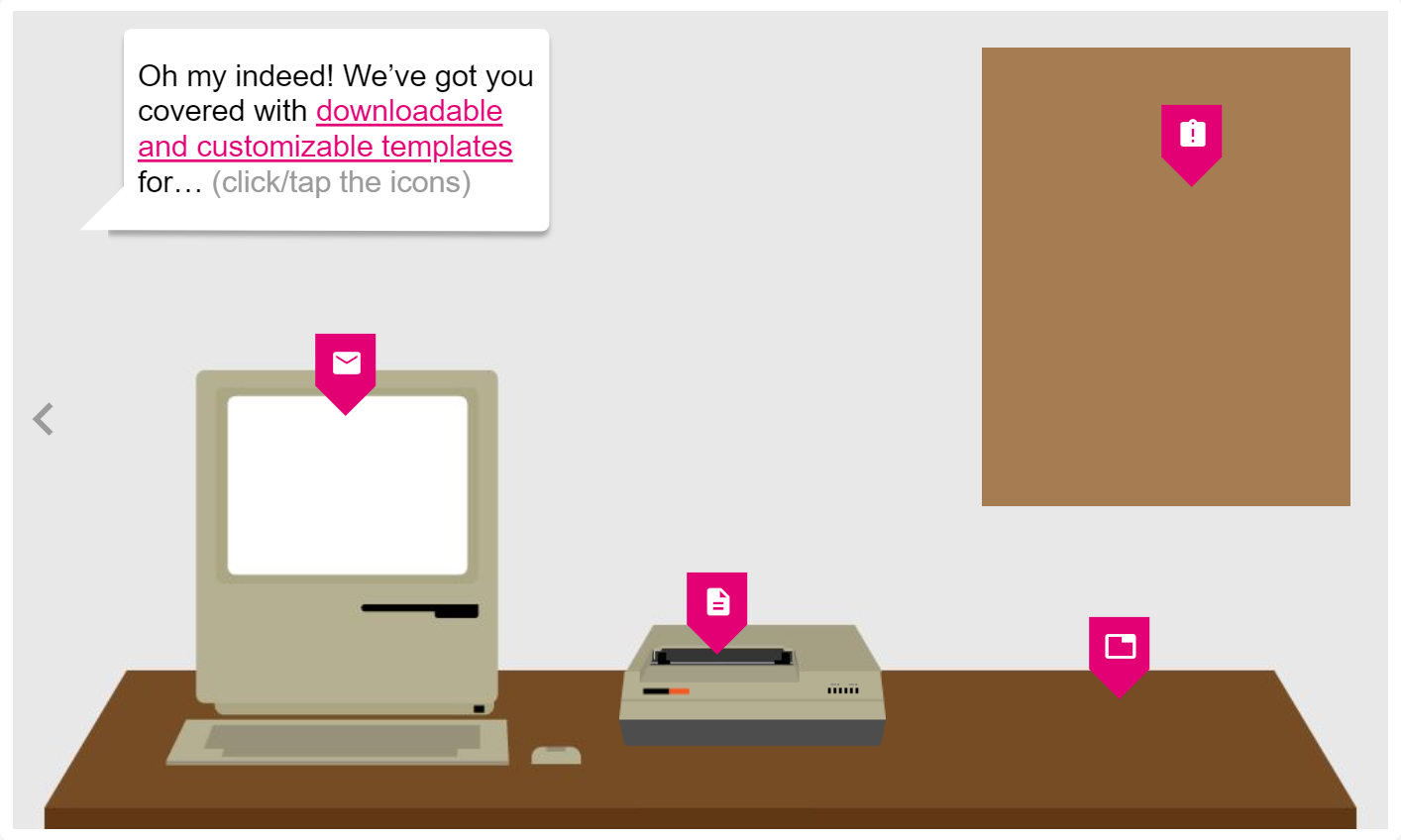
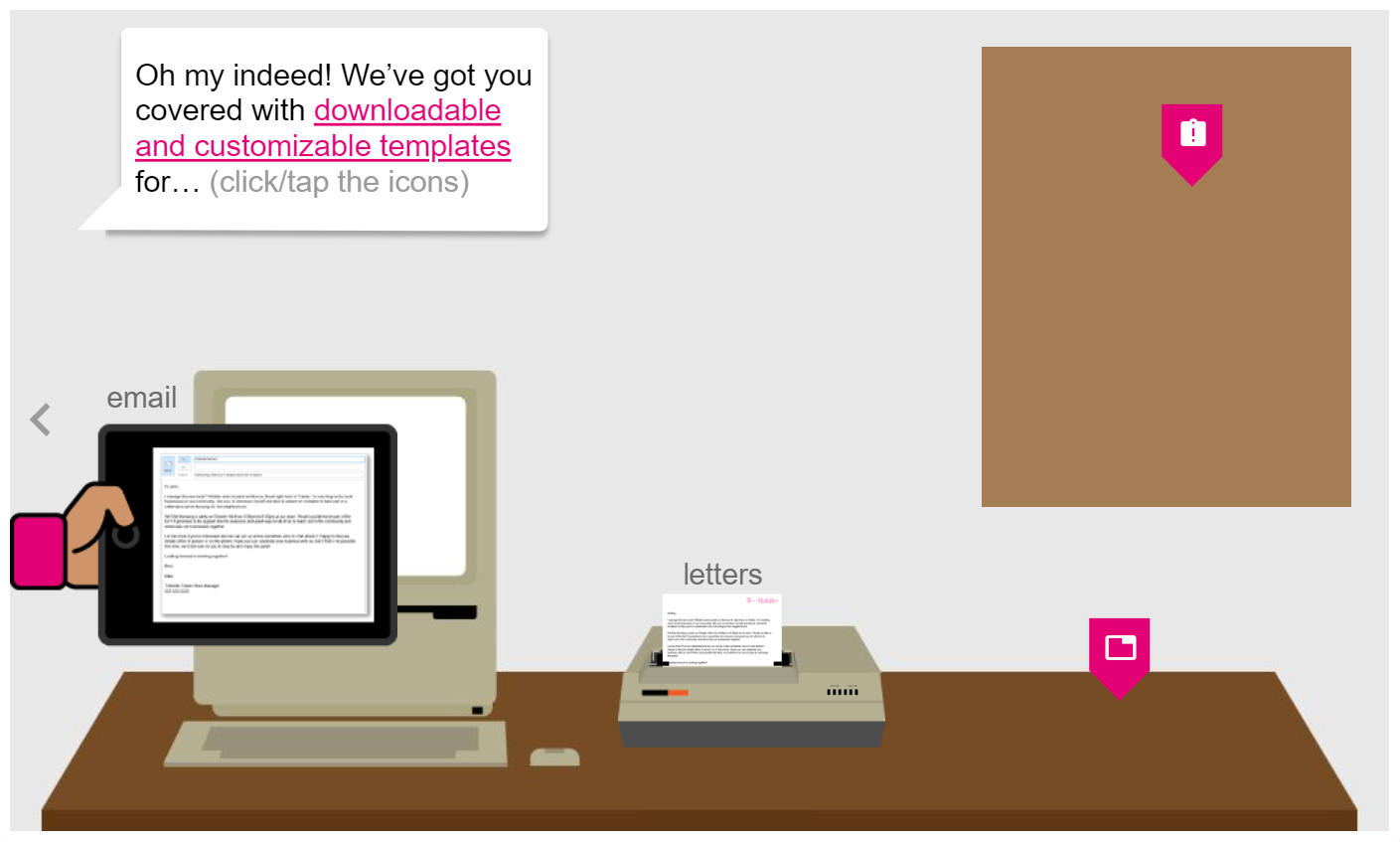
Toward the end we needed a resources slide, so instead of just list the resources in the screen, I thought I’d have some fun with it and create an office scene where you could learn about sending emails, printing letters and postcards, or posting flyers. For fun, since that old Macintosh II couldn’t actually send email, I popped out a tablet.
Nothing, however, gave me as much satisfaction as when you click the icon on the printer, a letter ‘prints’ out. Since I had drawn the printer in Illustrator, I knew I could split it and put the letter behind the front split. Then when you click the icon, it triggers the letter to go from Hidden to Normal state, with a slow Slide In transition.
To me, it’s these little things that make a big impact on learners. I talked about the research that shows learners are more engaged when they have choices, but something learning & development teams often miss is the huge brand loyalty opportunity we have with each e-learning project we do. If you can make the learner smile, or if the learner unconsciously notices that effort was put into this to make it fun and engaging, they feel like their company cares about them.
If I can’t make someone laugh or smile with my content, what are we doing this for?