
A coworker of mine is a big fan of True Colors, not to be confused with the Color Code. True Colors is geared more toward the professional, how to work with other professionals in their true colors, and how to get the most out of yourself based on your true colors.
The survey used is a clunky, pen-and-paper survey where you have to manually add everything up at the end. The problem with these is, the more random you make the questions and answers, the more complicated the tally. But if you try to simplify the tally, participants quickly identify the pattern in the A-B-C-D responses and start noticing they identify more with one in particular.
In other words, I wanted to see if I could create it in Storyline.

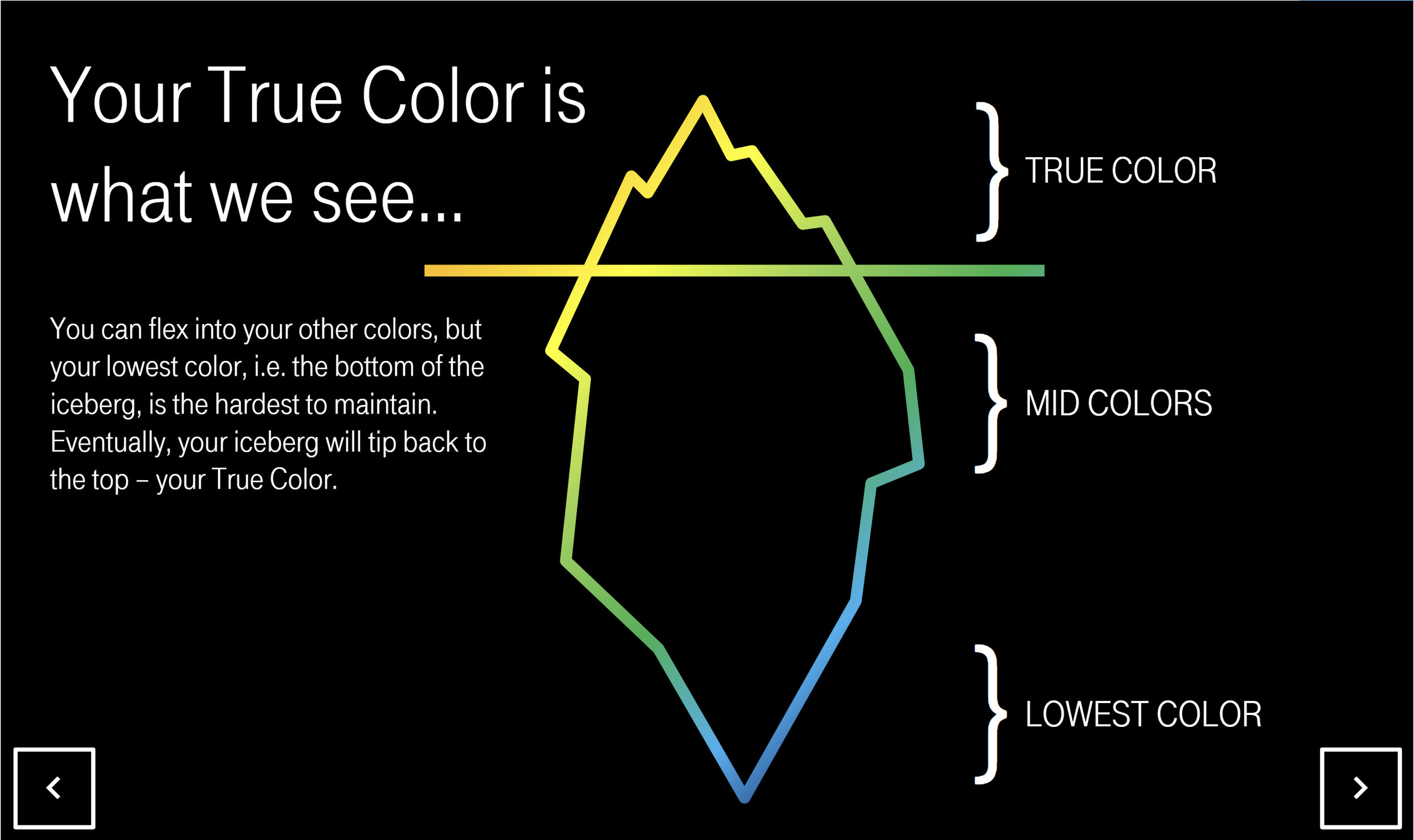
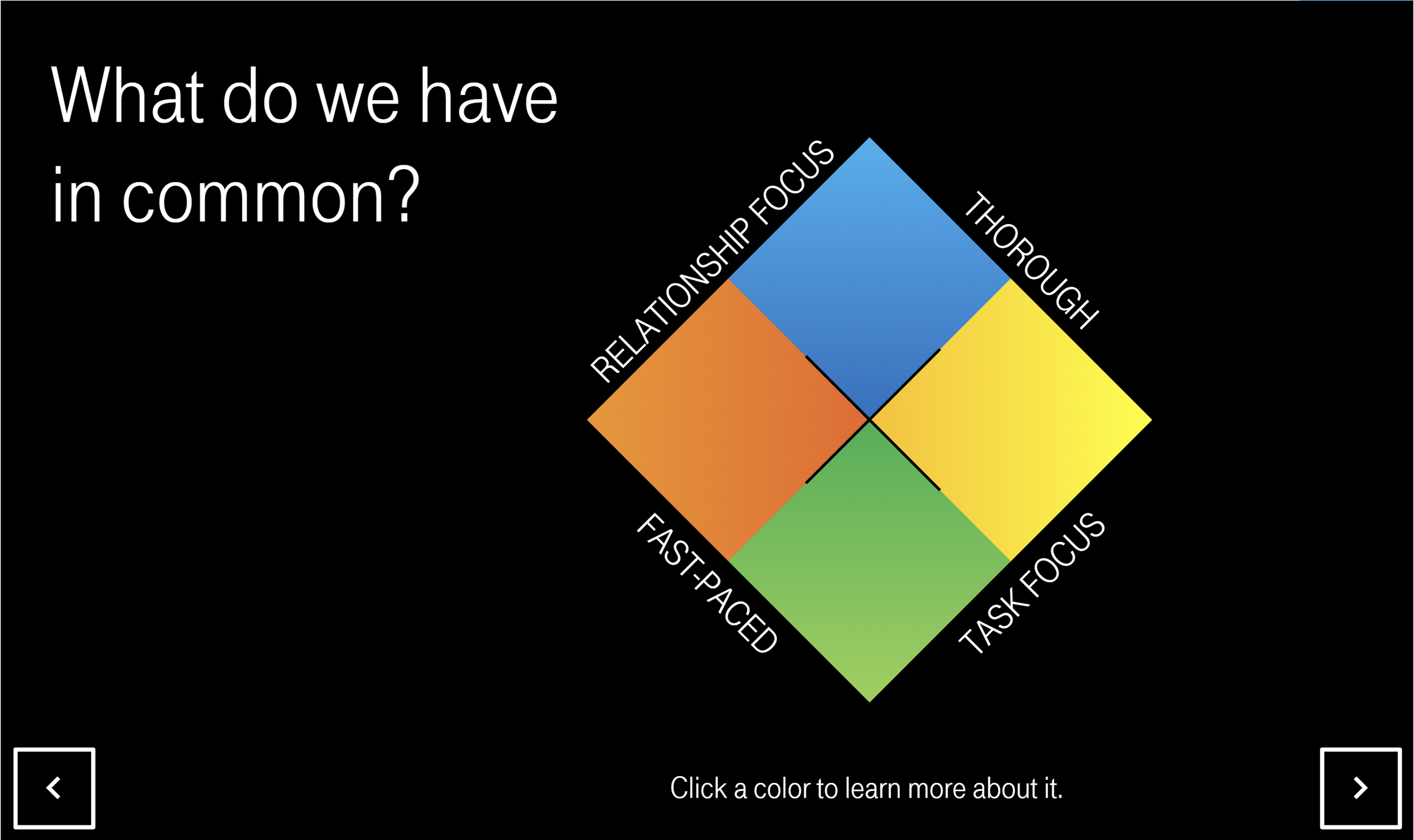
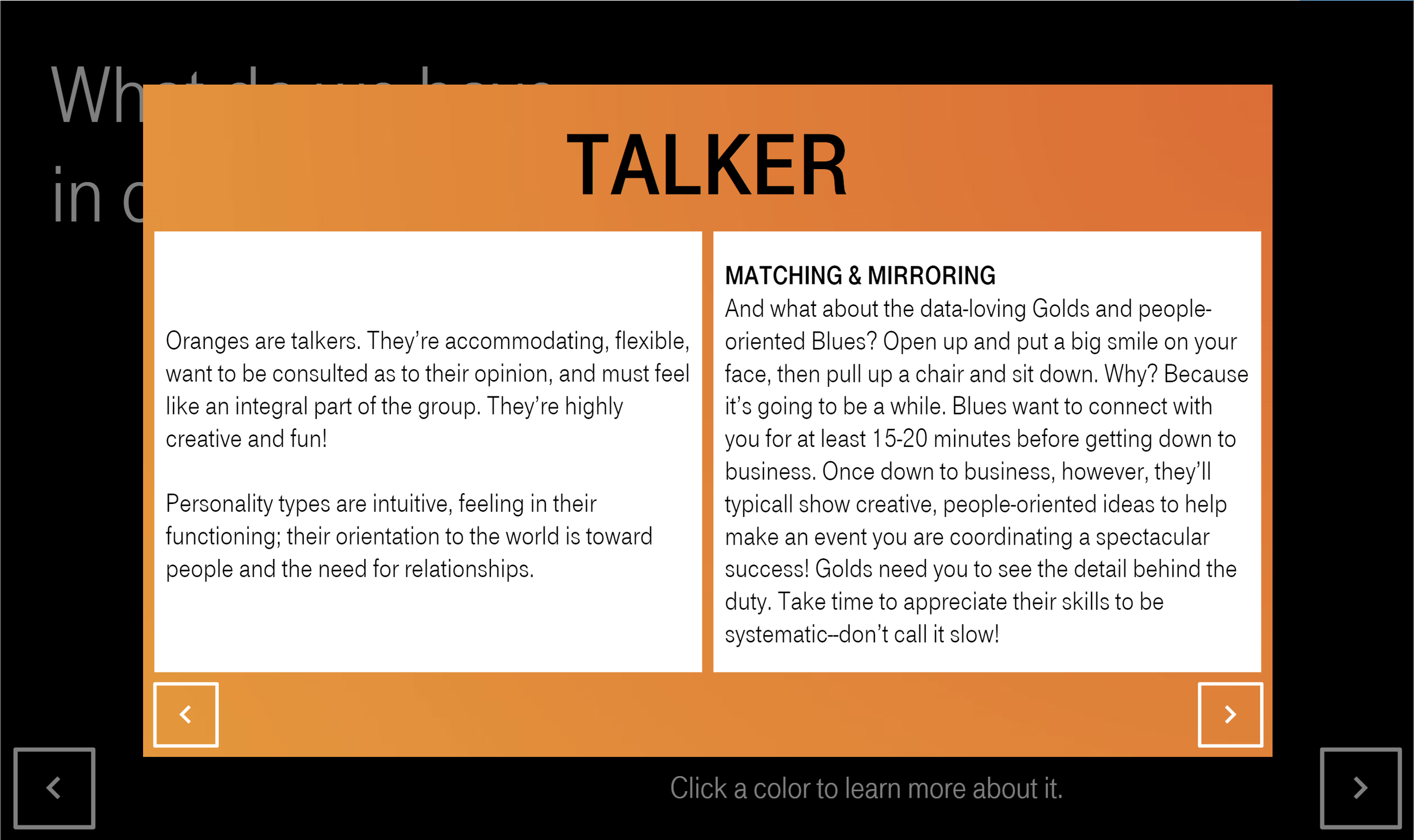
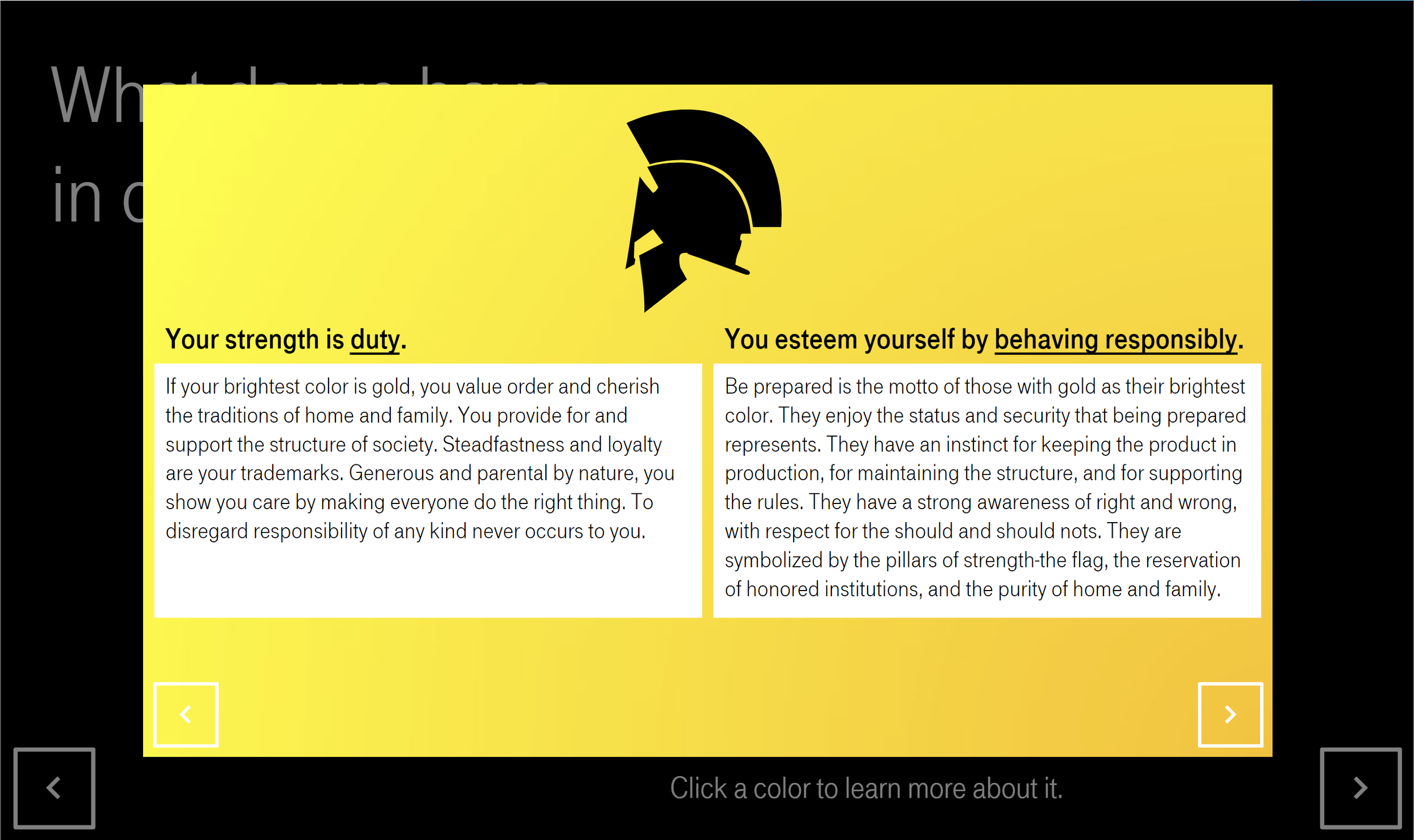
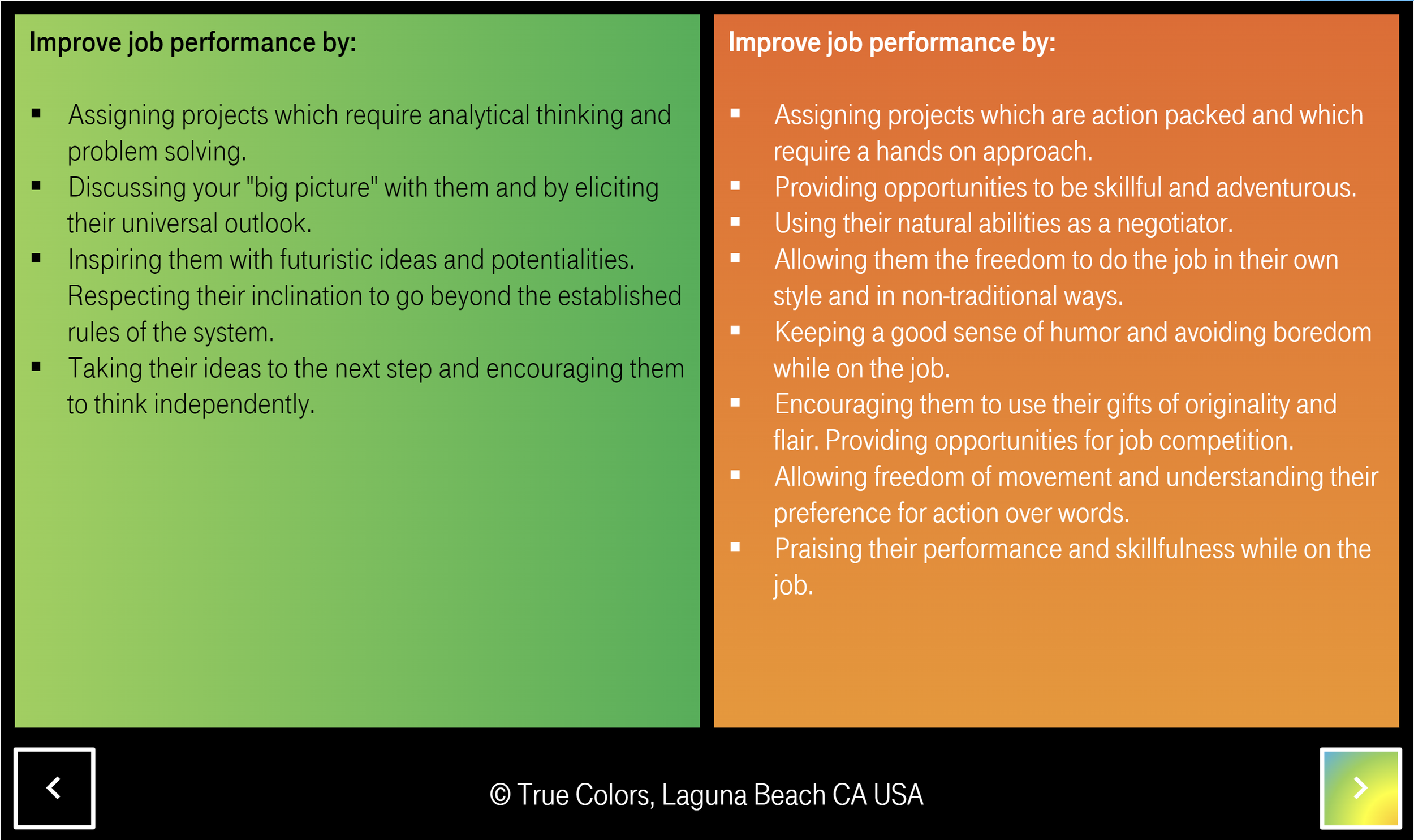
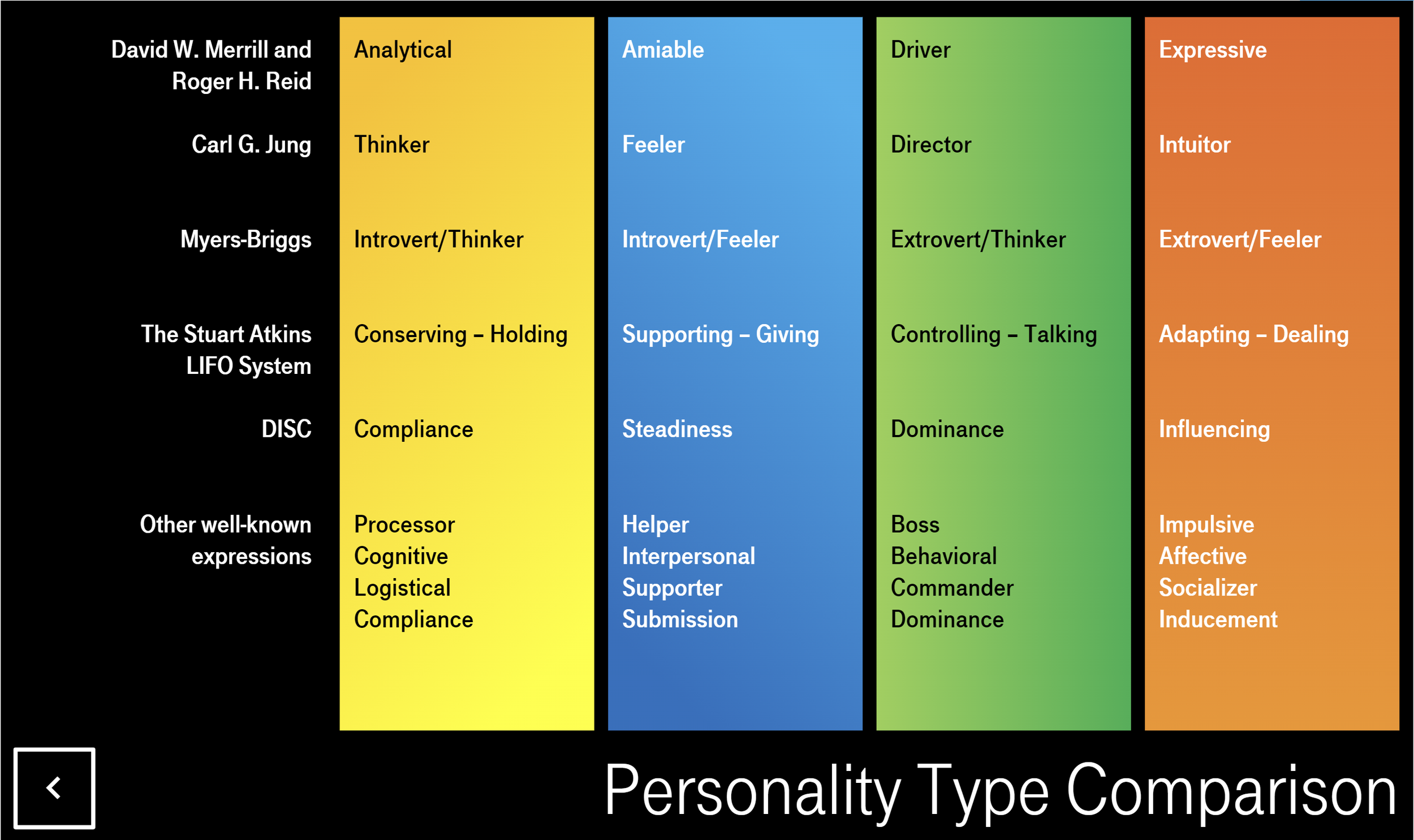
I used gradients extensively for three reasons: (1) no one is just one color, we’re all a mix of all of them; (2) solid colors against black wasn’t doing it for me, visually; and (3) one of the colors is ‘gold’ which you can’t replicate in a solid.
I also did everything I could to build it entirely in Storyline, meaning I avoided creating stuff in other programs (e.g. Illustrator, Photoshop). I do this because it keeps the files smaller, which helps them load quicker, and it makes them more easily editable down the road.
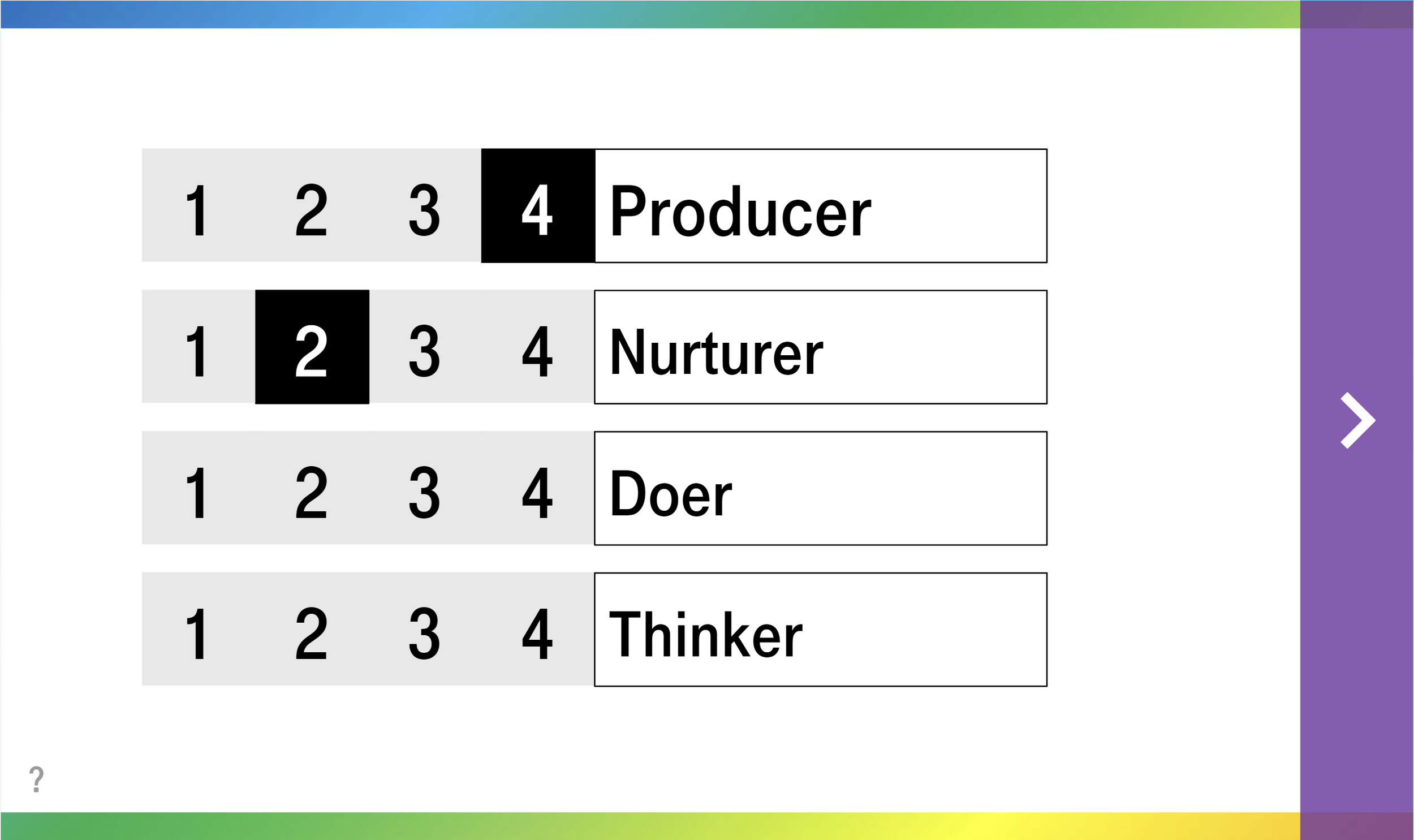
The one thing I couldn’t quite crack was the survey portion itself. You’re supposed to rank items in each prompt, but you’re only allowed to use each ranking once per prompt. Although I could create a button group in Storyline for 1-4 on the words, I couldn’t simultaneously create a button group for, say, all the 4’s, or all the 1’s. So a user can select two 4’s on a single prompt. I was able to use variables and actions to ensure they can’t move on, but it’s a little annoying as a user to have to police that.
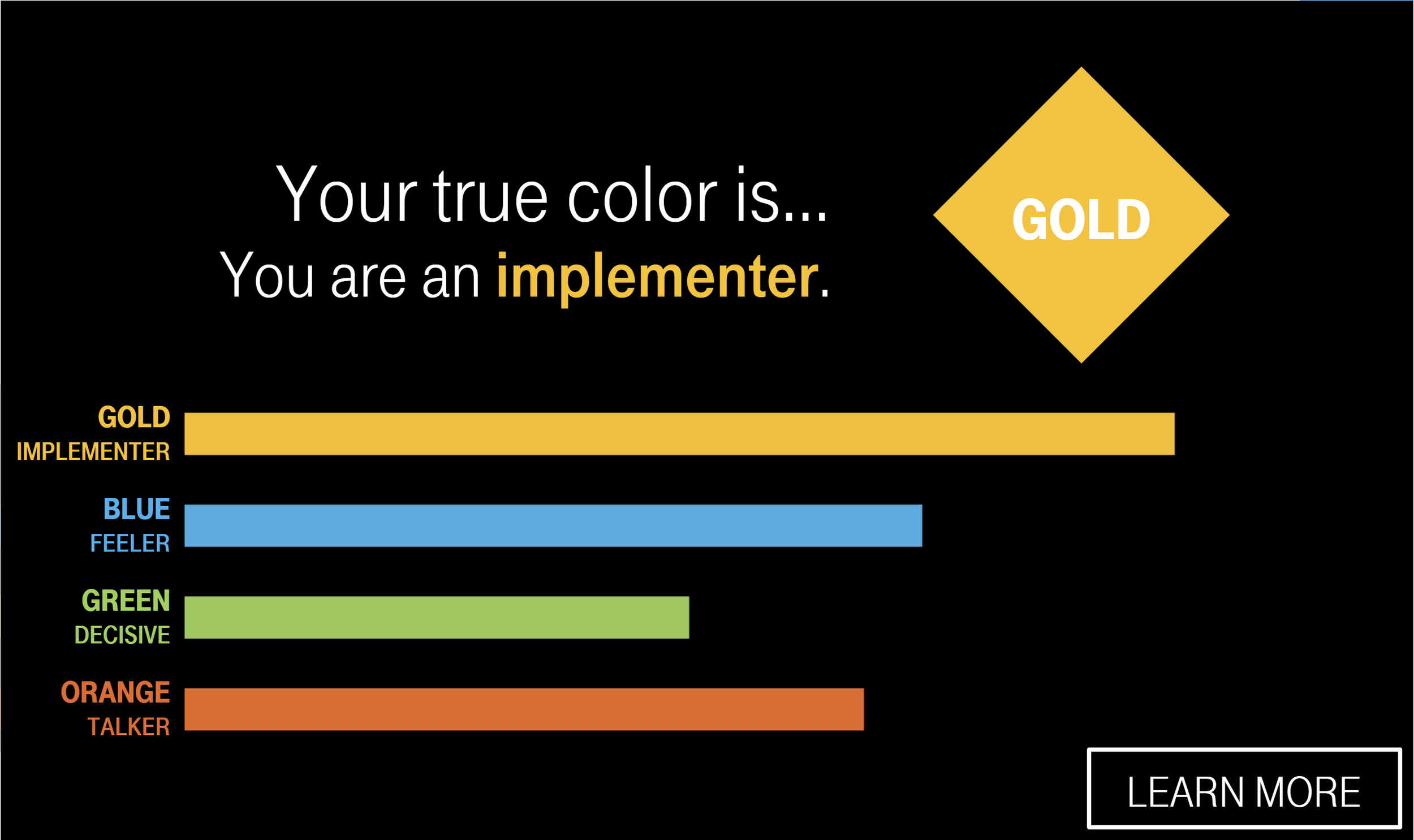
One last comment I’ll make about it, was the hack to animate the colored bars at the end of the survey, indicating your results. In other instances I’ve used ‘layer loops’ combined with a slider to count up to a certain amount, but in this case I realized I could simply use an entrance animation on each one to slide in. If you’re not super familiar with Storyline, that may not make much sense, but I’ll make a tutorial about it someday.