
An e-learning proof-of-concept for the age-old fortune-telling game.
Why re-create M.A.S.H. in Storyline? Why not!
Ok but for real, as I’ve mentioned elsewhere, experiments like these are how I develop skills necessary to come up with innovative solutions to learning experience design problems.
Read about my process below or skip straight to the main event by mashing the button.
GRAPHIC DESIGN
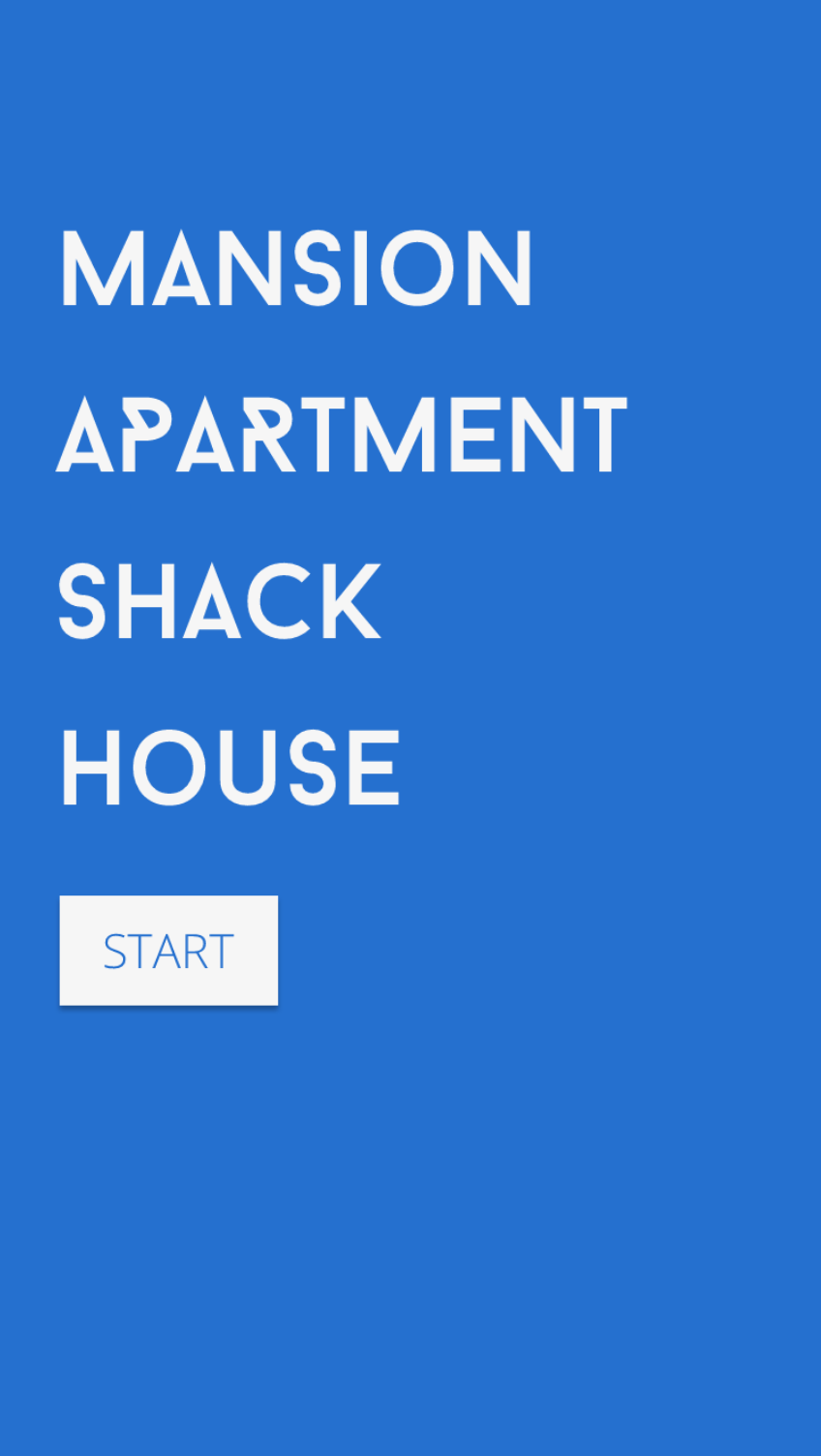
The first question was whether to use skeuomorphism to replicate the look of pencil on paper. It’s partly a personal preference—mine being anti-skeuomorphism—but partly a belief that usability is better when you try to design for the tool you have. Yes, nostalgia is a big component of the game, so the pencil and paper look would appeal to that, but one of Storyline’s drawbacks is that whenever you call a variable, you’re limited to default web fonts, so any handwriting font that looked remotely convincing would not work.
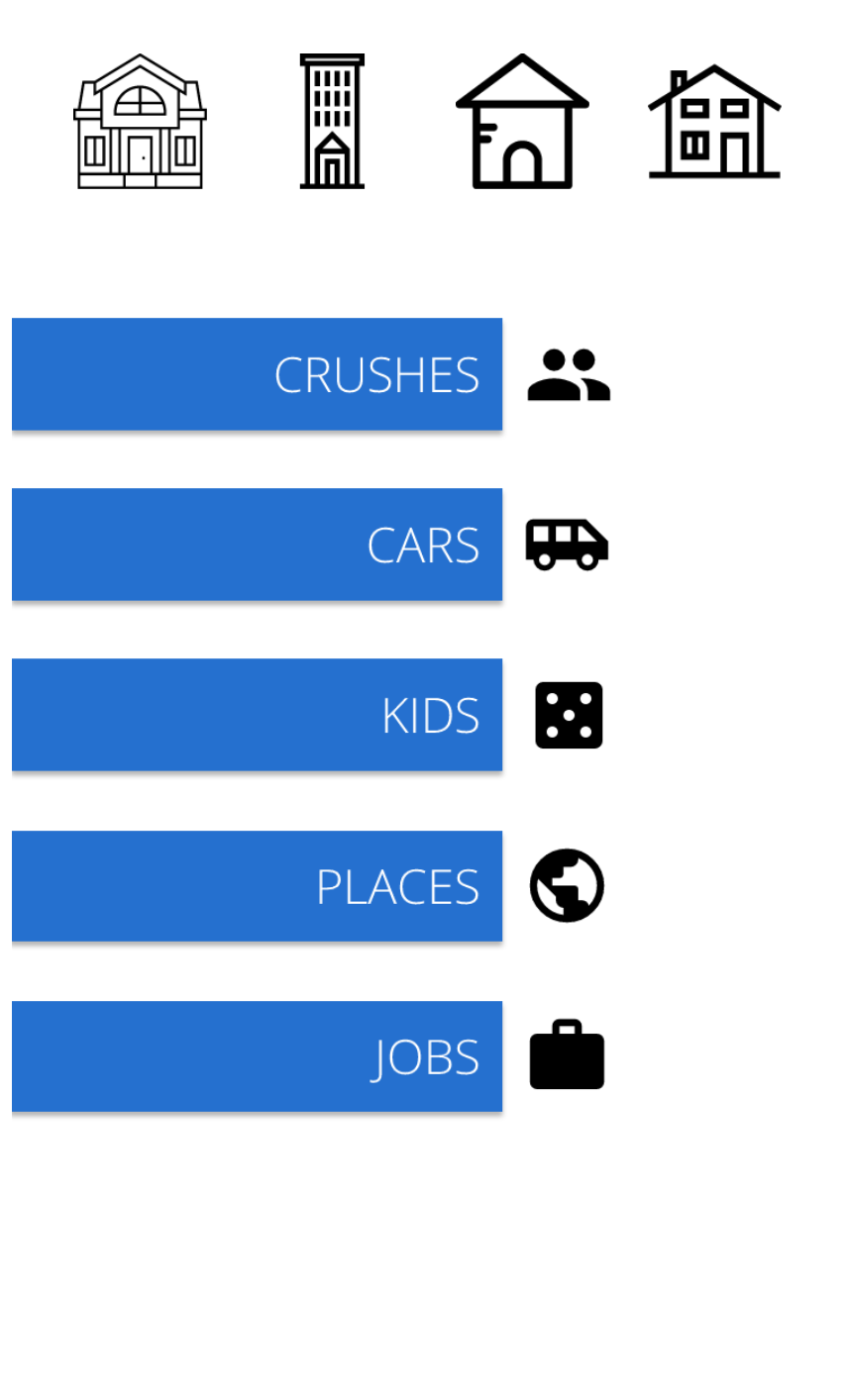
So I found myself going for a simple, flat look.
This was also more of a programming challenge for me than a design challenge. I spent far more time on the back end solving problems than on the front end making it pretty.
UX & DEVELOPMENT
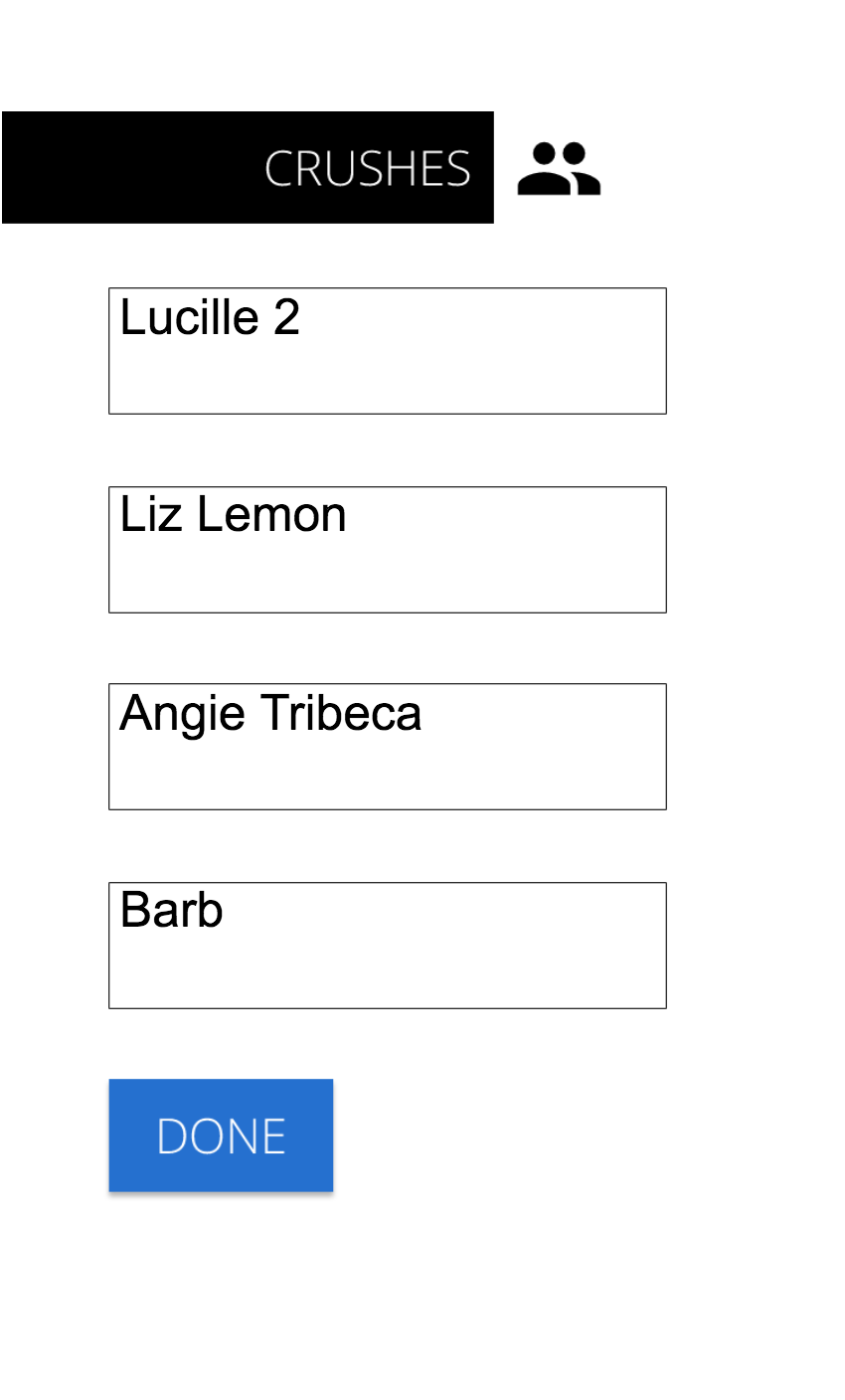
A lot of the UX and Development decisions were pretty straightforward. I needed to show the user whether they had or hadn’t completed a section. I needed to teach the user how to fill it out. I needed to create text entry fields, name the variables for easy call-back, and program it to not let you progress until you were ready. In fact, when I made this Storyline didn’t have a random number generator, so the most complex part was using a Question Bank to generate my random number.
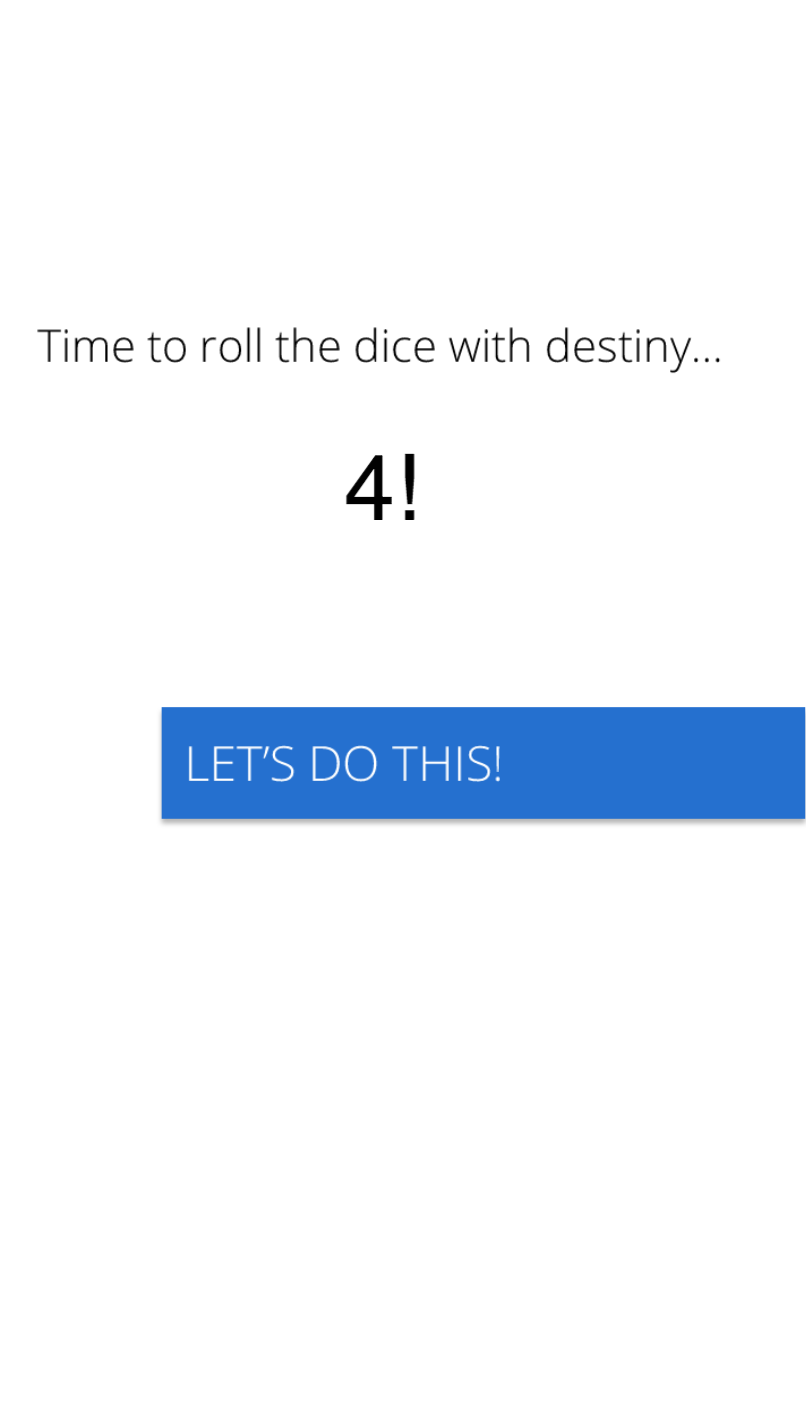
But I was not prepared for how challenging it would be to start counting, crossing things off, and circling.
I had to use a technique I call ‘layer loops’ to build a sort of countdown. I also ended up using significantly more variables, layers, and triggers to make it all work properly.
Side note: layers can be one of the cleverest ways to solve problems in Storyline, if only to keep track of everything happening.
Bonus tip: you can animate layer states by adding objects within the state itself and applying intro and outro animations.
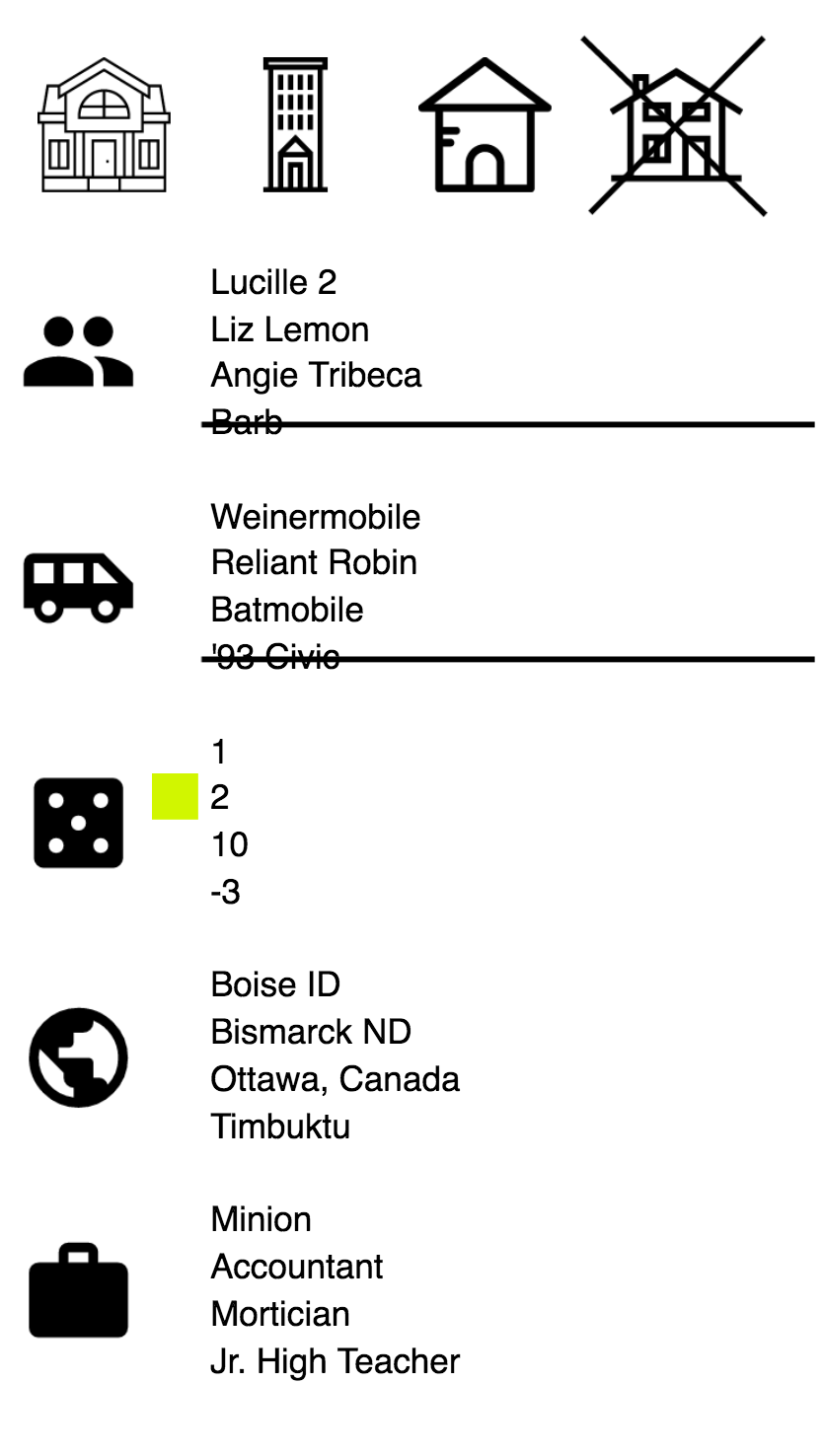
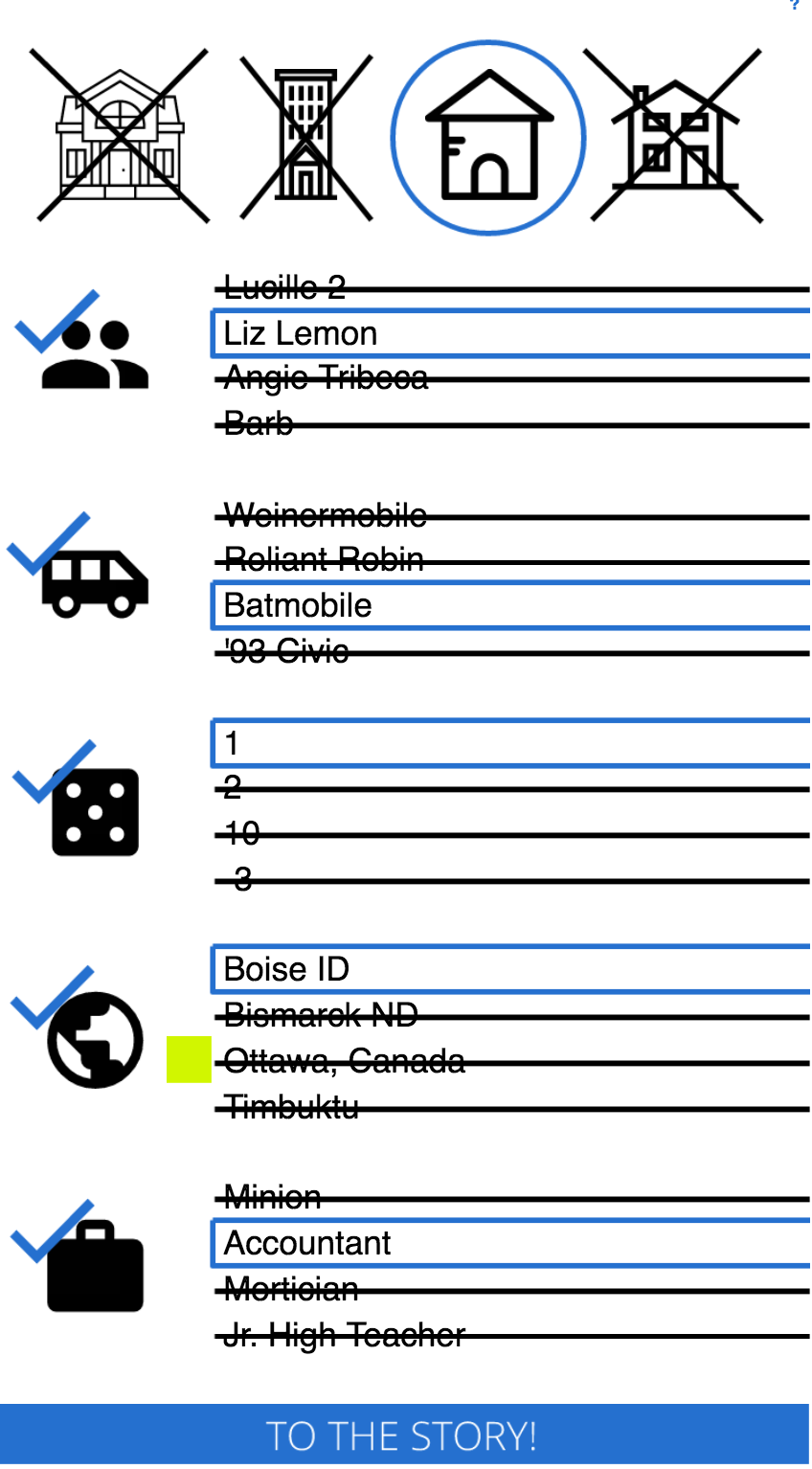
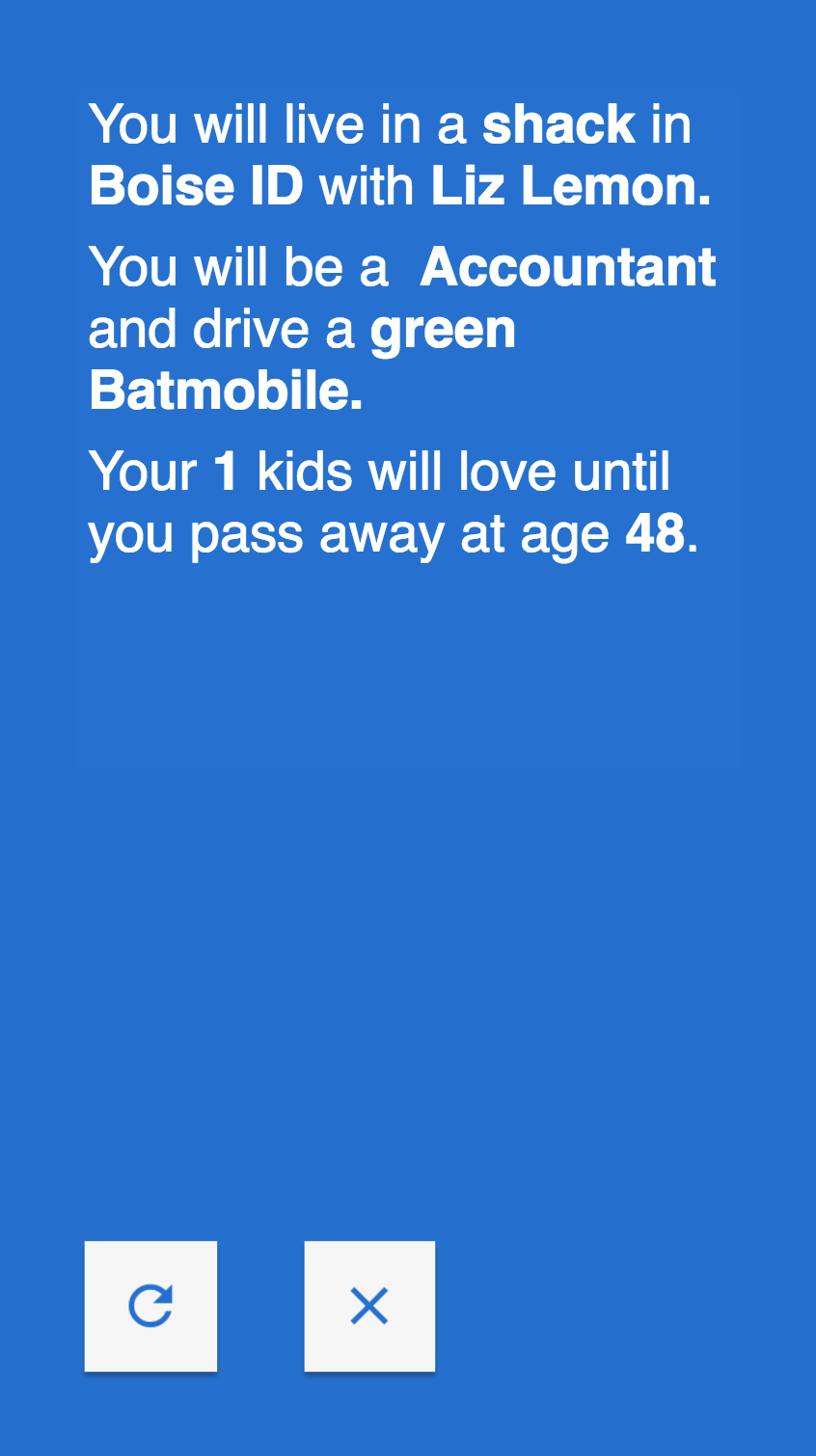
To top it all off, I created a paragraph and inserted all of the variables to tell a Madlibs-type story. I threw in some adjectives, and used a few more triggers to add more flair to the story.
EVALUATION
It was an instant hit, with Facebook friends and coworkers sharing it with their friends as well. In fact, people started posting it on their own Facebook walls with their friends leaving comments with screenshots of their results.
In a future version I might experiment with how many items they select, and which categories they want to fill in. I’d also want to update the overly simplistic graphics to make it slightly more engaging. For now, what are you waiting for?